

Notification preferences and inbox
Notifications keep you informed about events that need your attention. Choose which events you receive by email or in the StackAI notification inbox.
Before you start
Decide which events need immediate attention and who is responsible for acting on them. Personal settings choose delivery channels; organization rules choose recipients and may require administrator access. For quality alerts, complete Production quality monitors as well as these preferences.
Set your delivery preferences
Open Settings → Notifications → Personal. Each row represents a notification type.
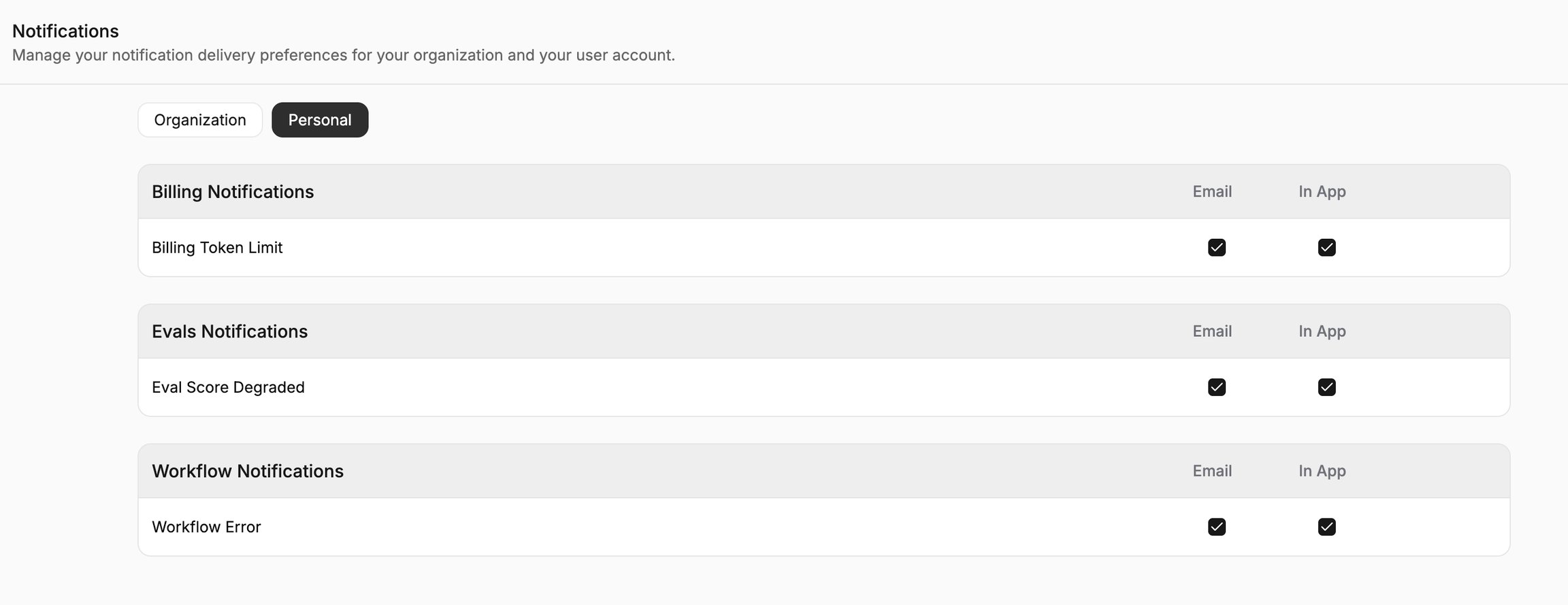
Select Email, In App, or both for each event you want to receive.
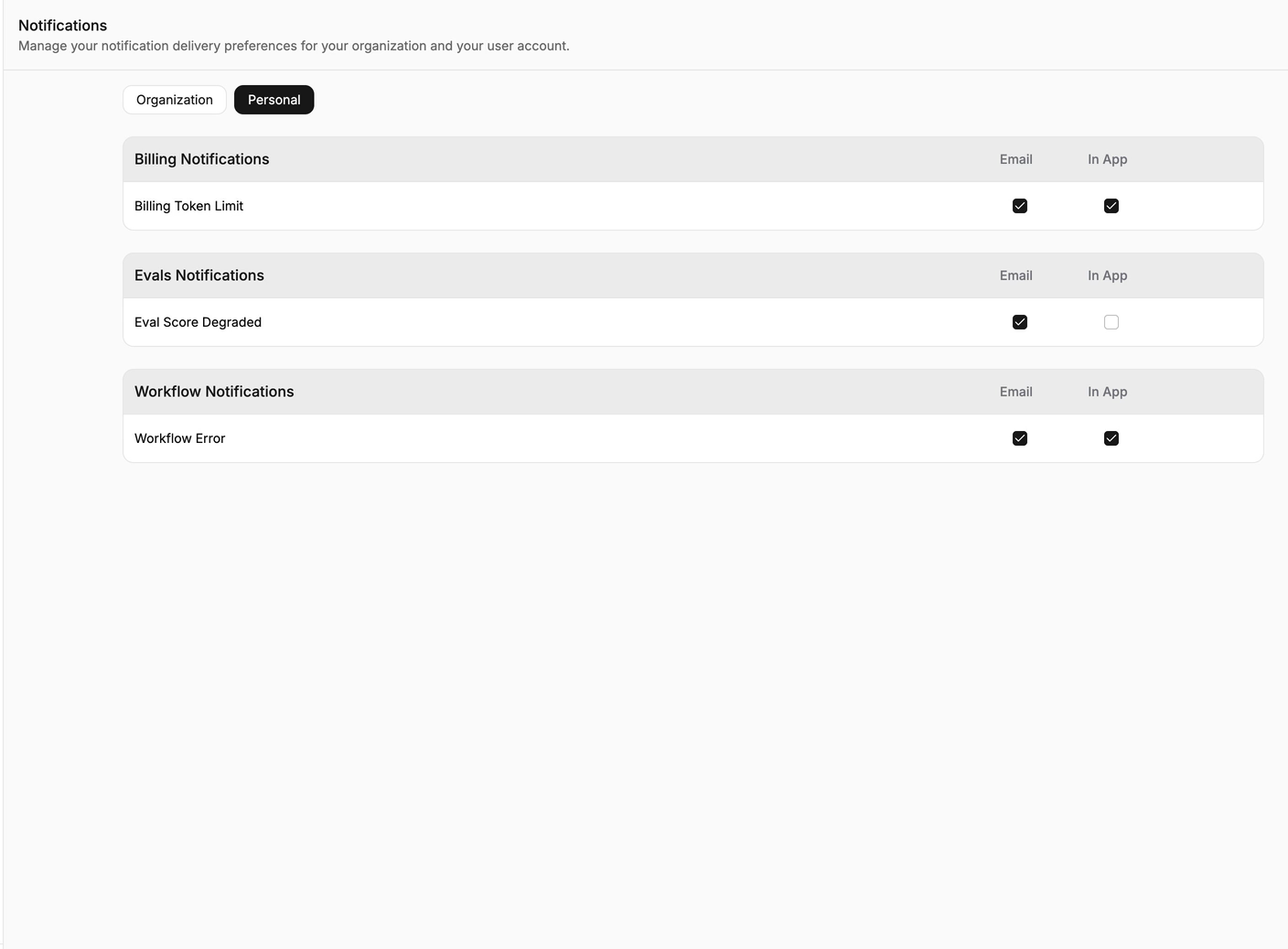
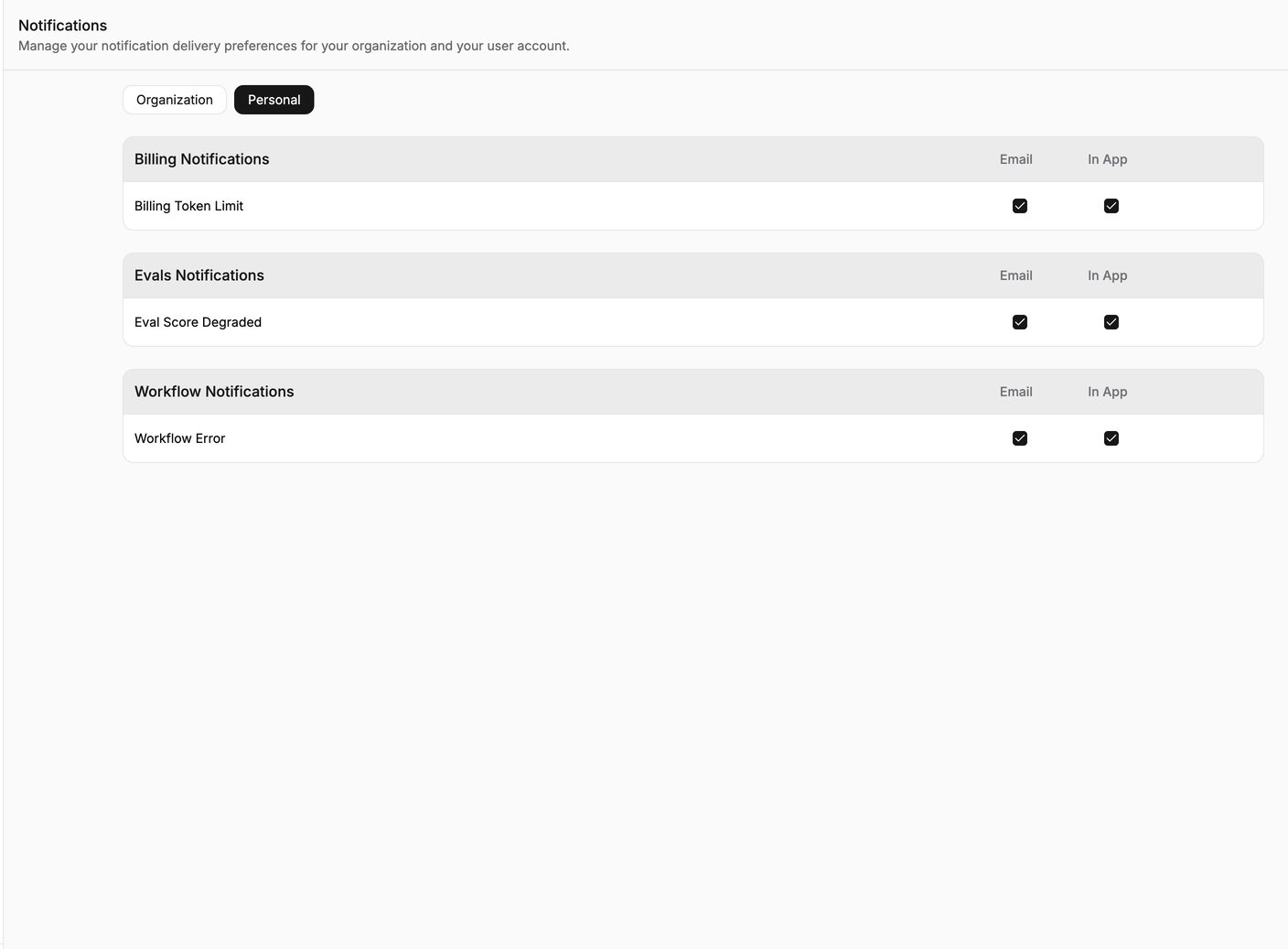
Review the selected channels for each event. Save the preferences if a Save control is shown.
Manage organization recipients
Open Organization to view notification rules for the organization.
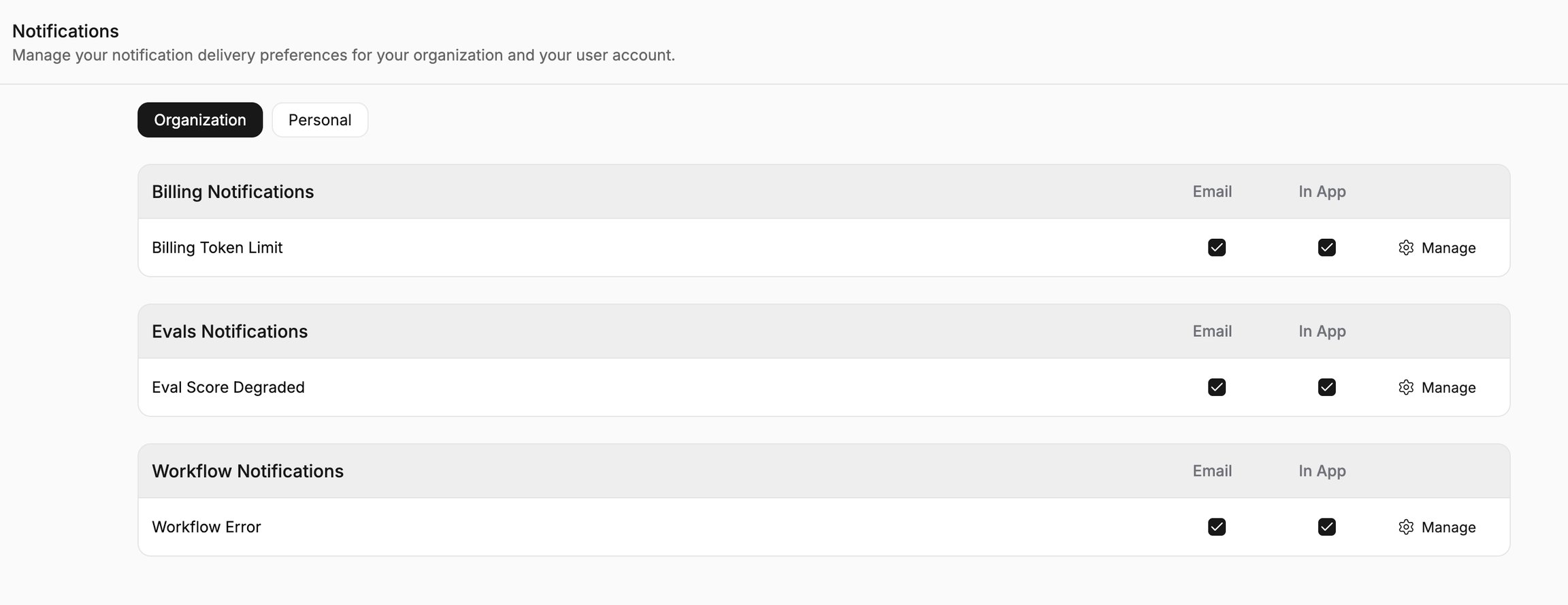
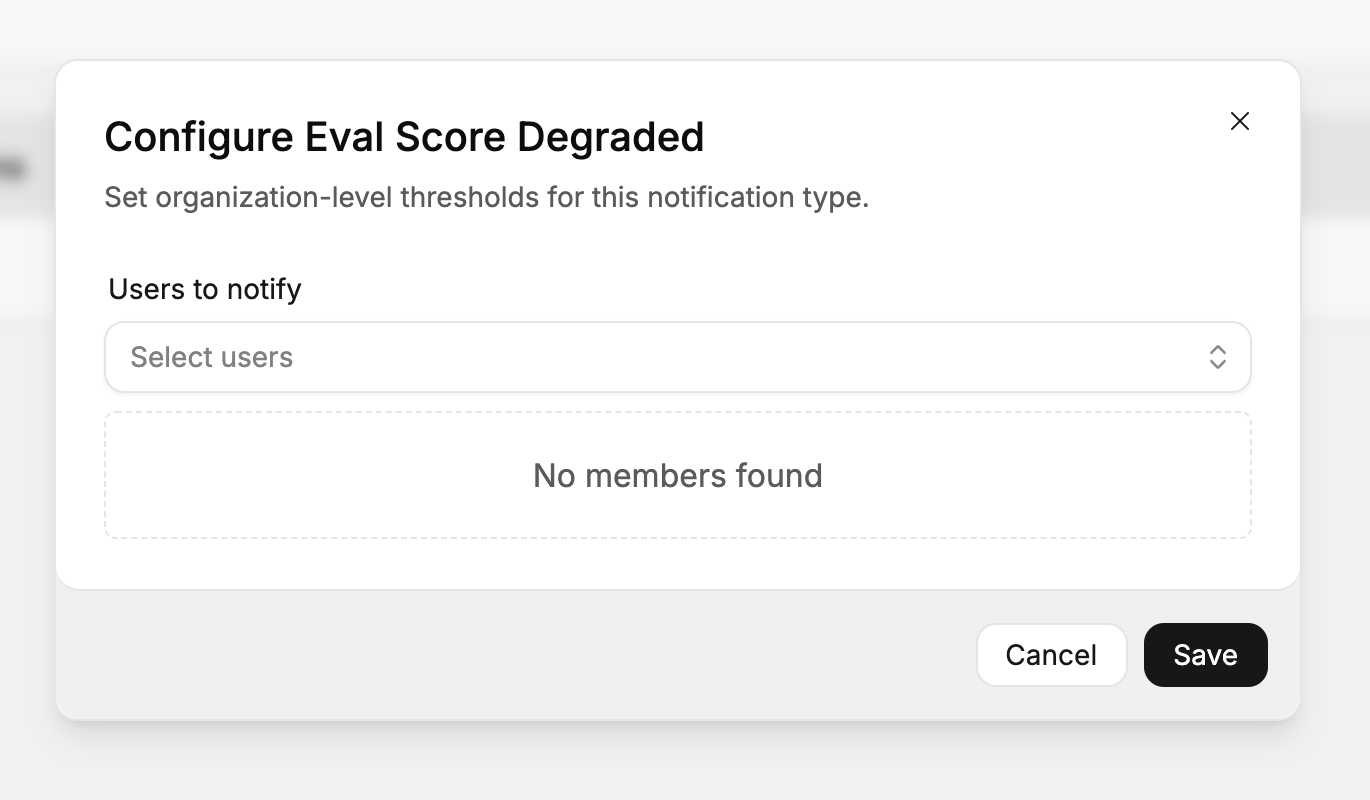
For the notification type you want to change, select Manage. Choose the people who should receive it under Users to notify.
Read notifications
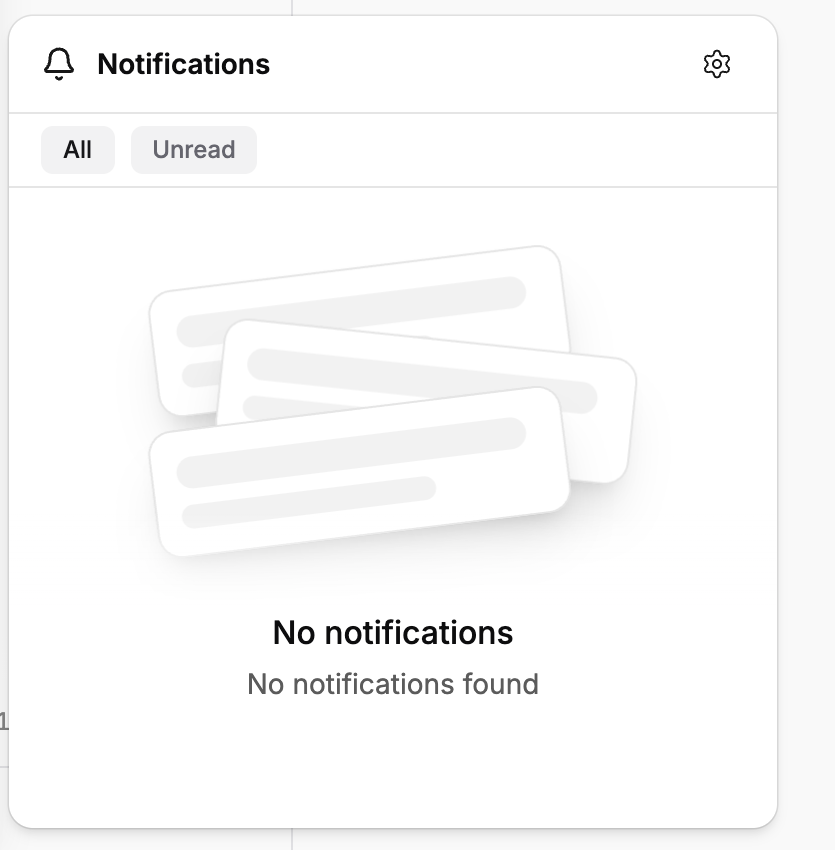
Open Notifications from the dashboard. Select All to see the available notifications.
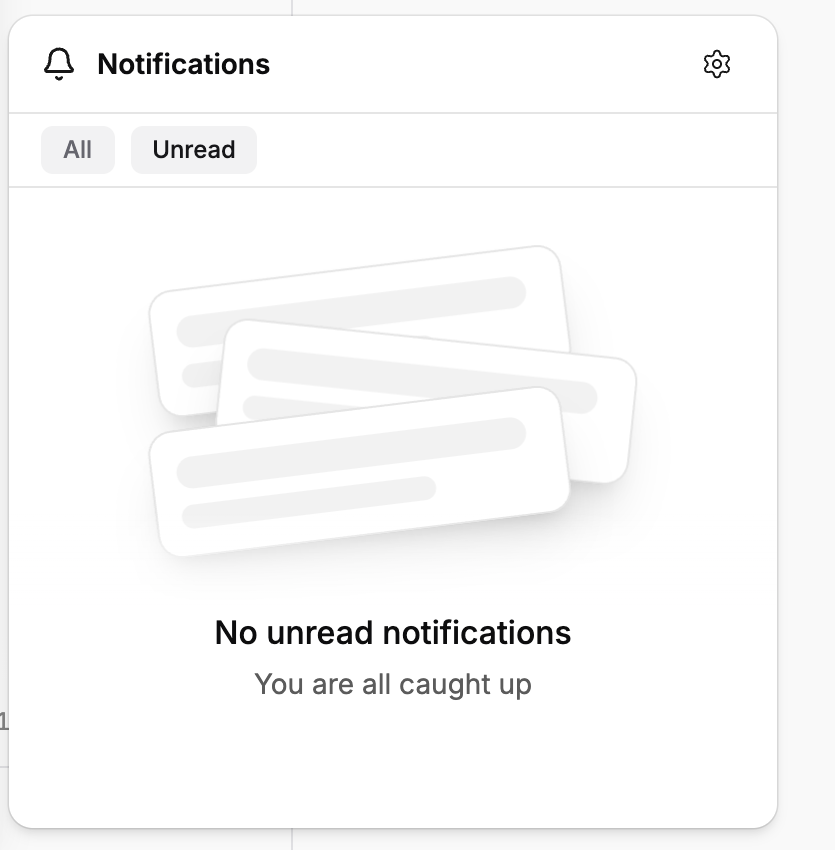
Select Unread to show only notifications you have not read. Open a notification to view its details.
Important behavior
Personal delivery preferences and organization recipients are separate controls. If an expected notification is missing, check both the recipient list and the delivery channel.
Last updated
Was this helpful?