

Create a custom action
A custom action adds an operation that is not available in the standard action catalog. You define its inputs, outputs, and code. StackAI can generate an initial implementation from your instructions.
Before you start
Have an authorized connection for the provider used by the action.
Choose the provider
Open Settings → Custom Actions, select Create Action, and choose the provider.
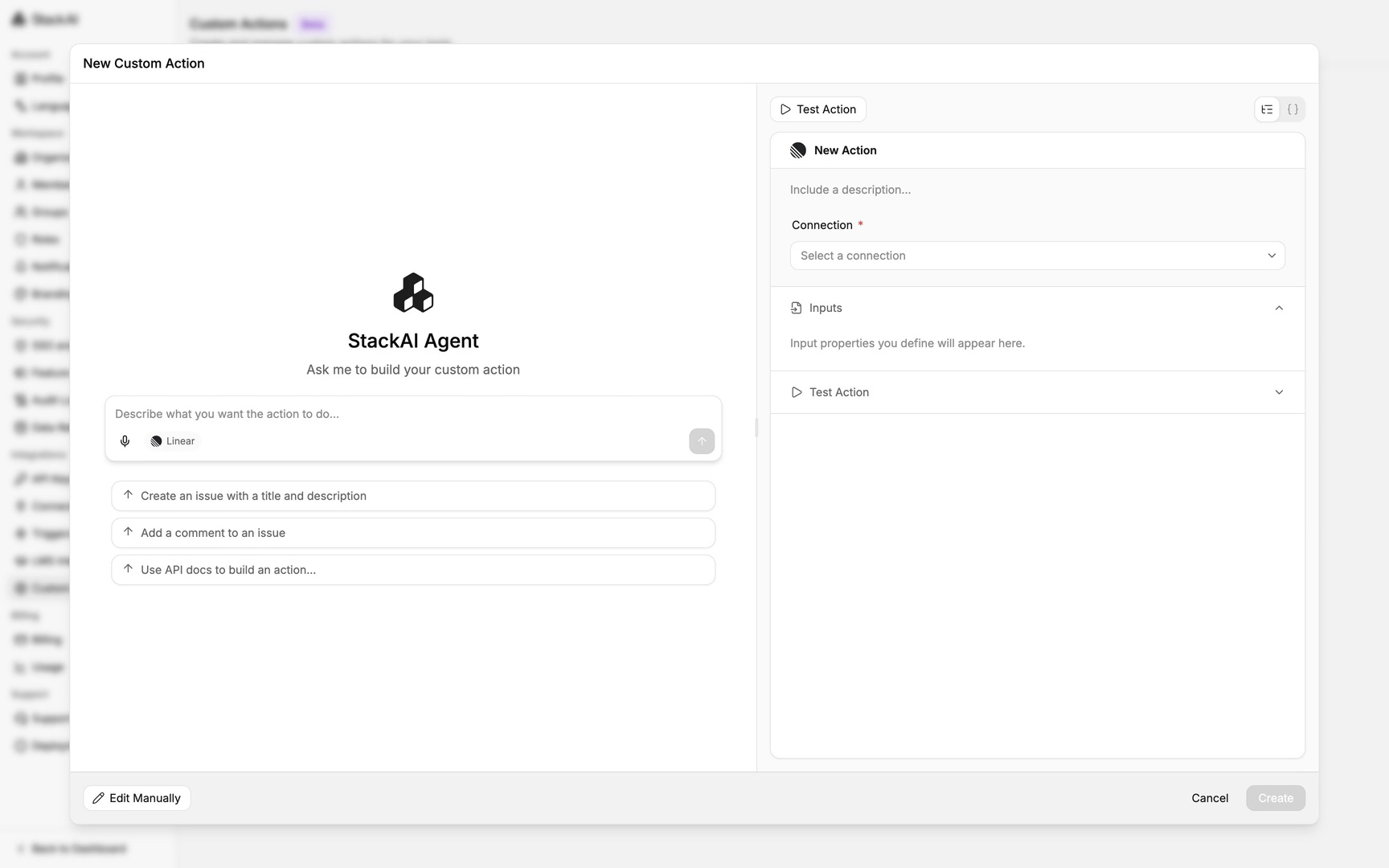
The provider determines the authenticated connections available to the action.
Generate the action
Describe the operation, its inputs, and its expected outputs to the generation assistant.
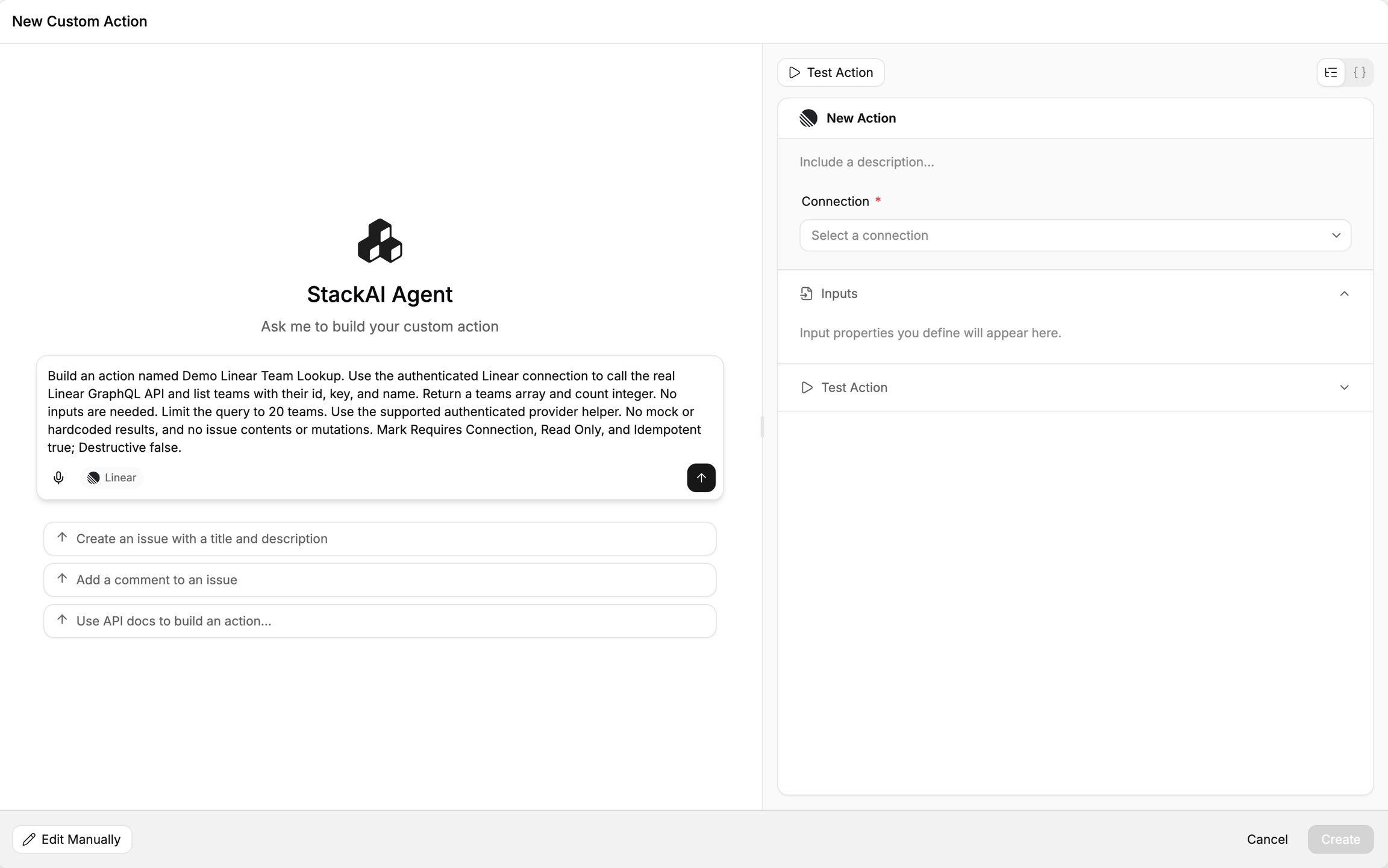
State whether it reads or changes data and whether repeating it can cause additional effects.
Review the proposed operation and returned fields before selecting Accept.
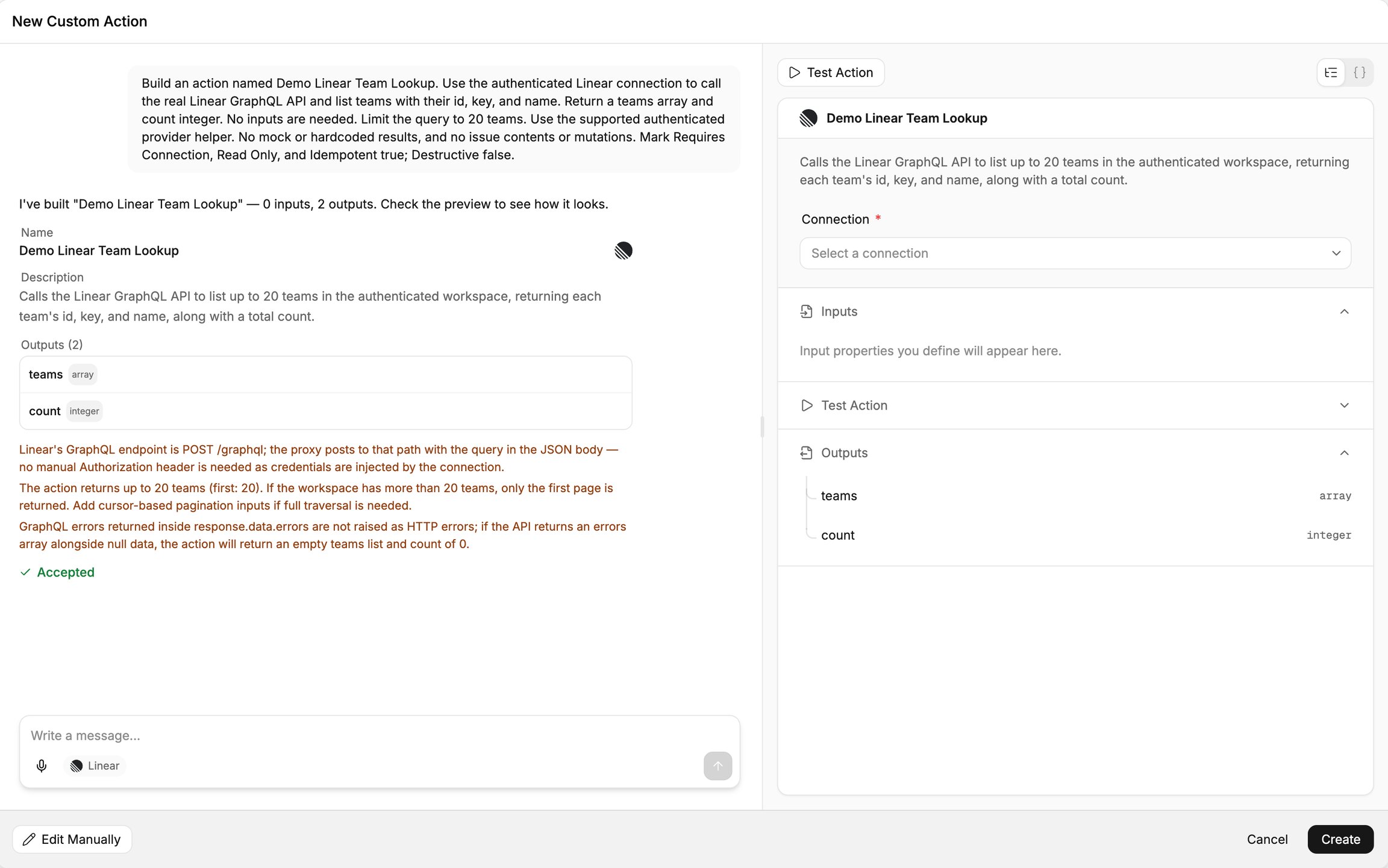
Inspect the generated configuration and code before using the action.
Review the action settings
Open Edit Manually → General and review the provider, connection requirement, and behavior annotations.
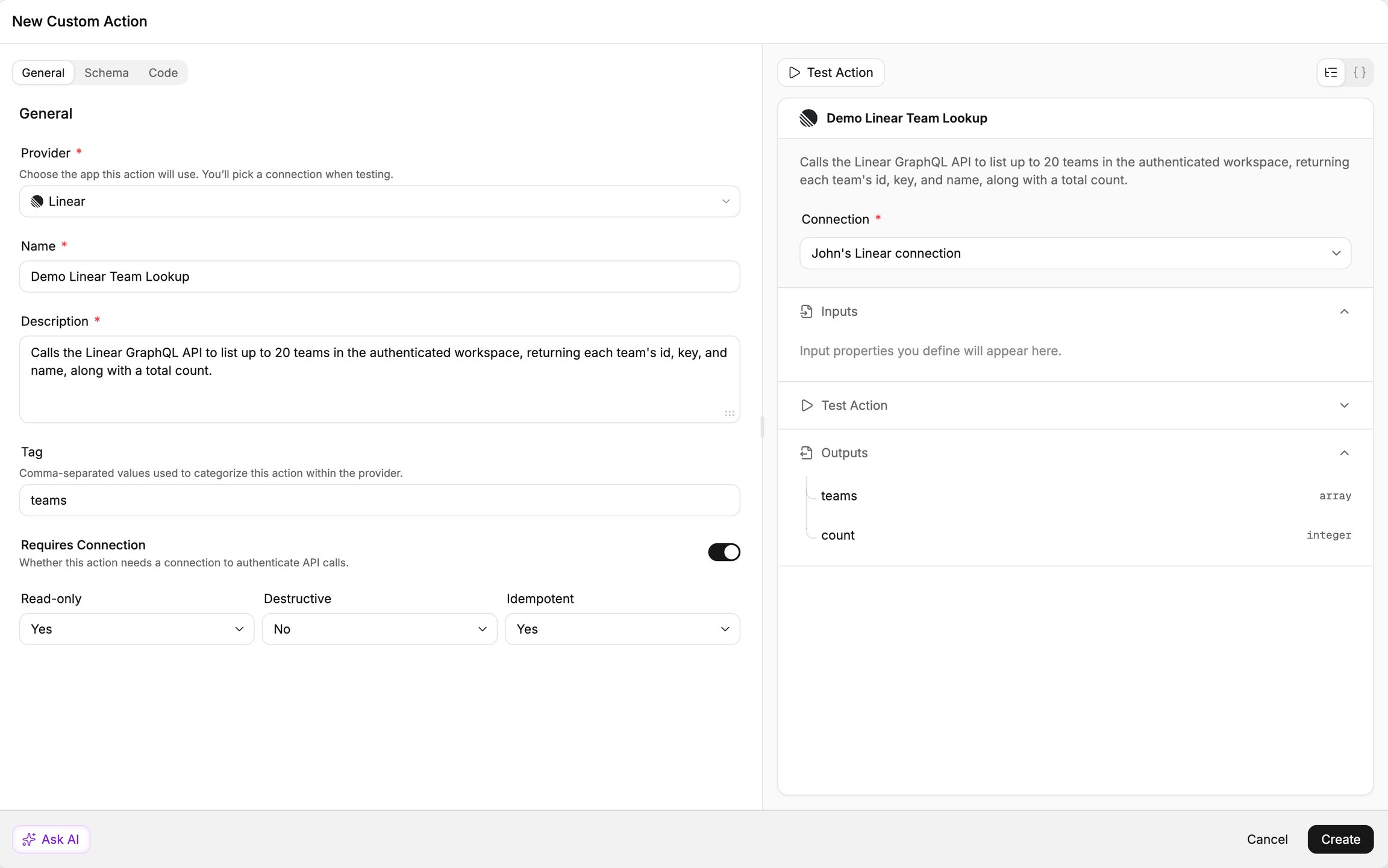
Read-only, Destructive, and Idempotent must describe what the implementation actually does.
Review inputs, outputs, and code
Open Schema and check input and output definitions.
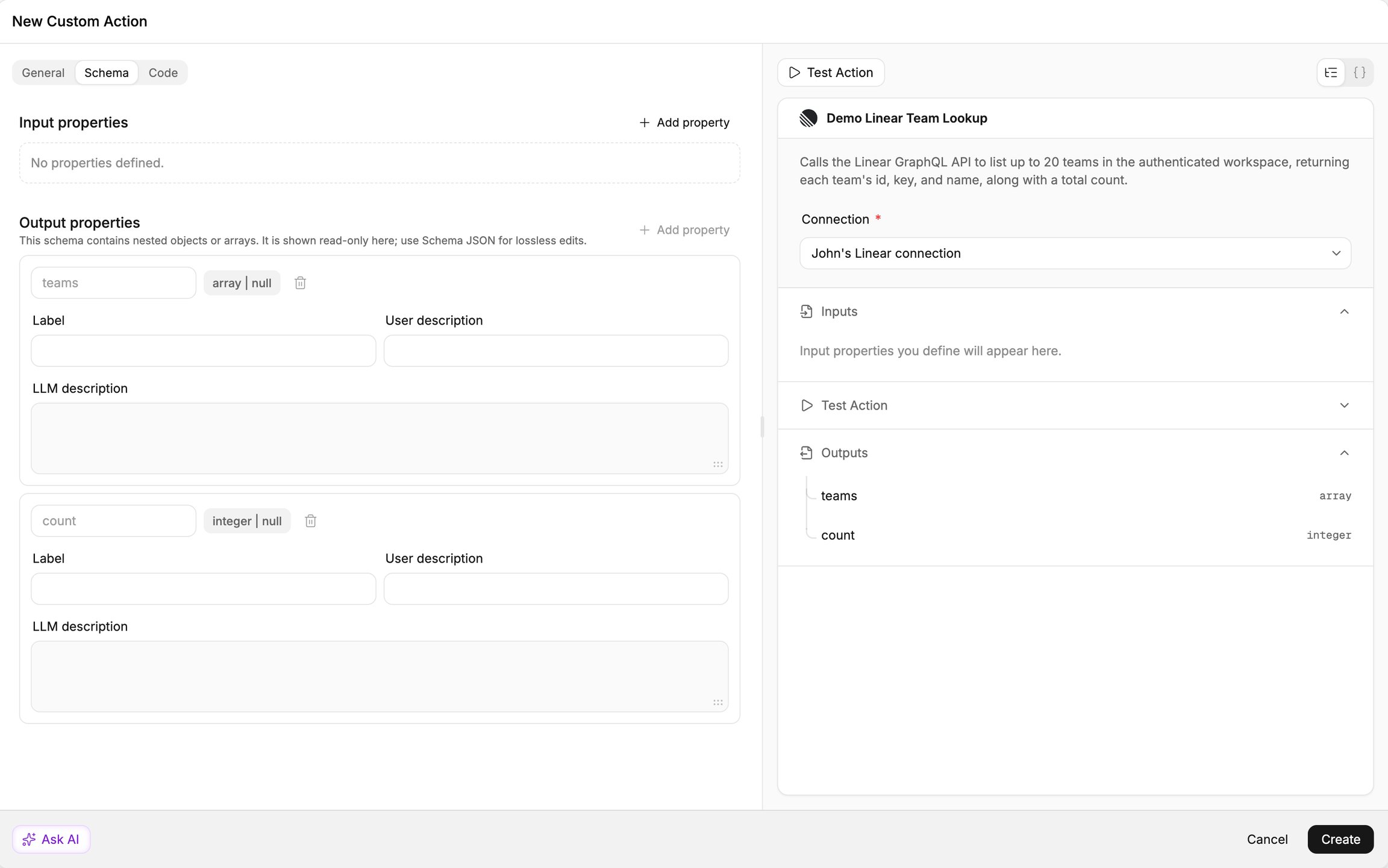
Field names and data types must match the values the code accepts and returns.
Open Code and inspect the provider API request.
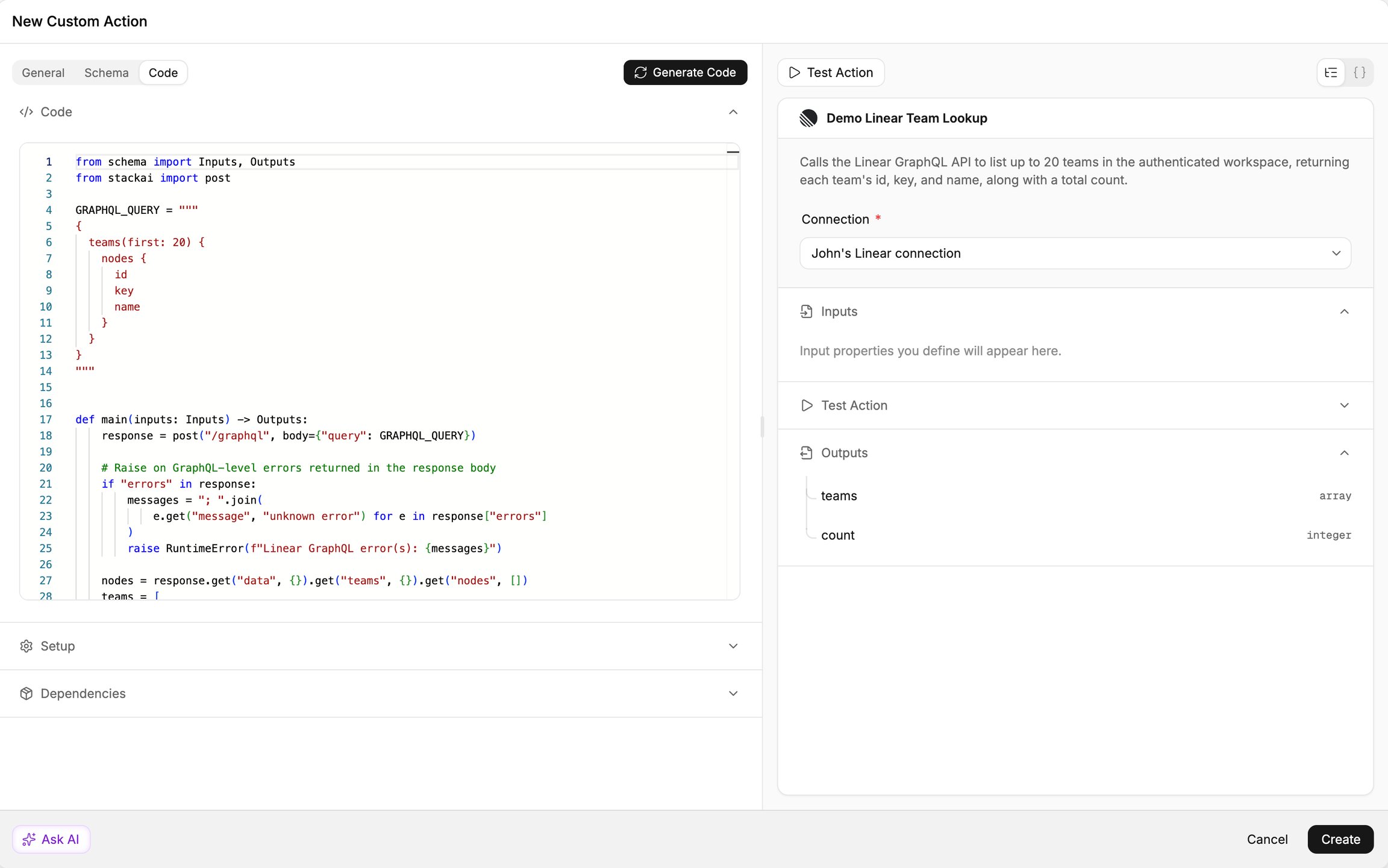
Use the authenticated provider connection rather than placing credentials directly in the implementation.
Review error handling and the mapping from the provider response into the output fields.
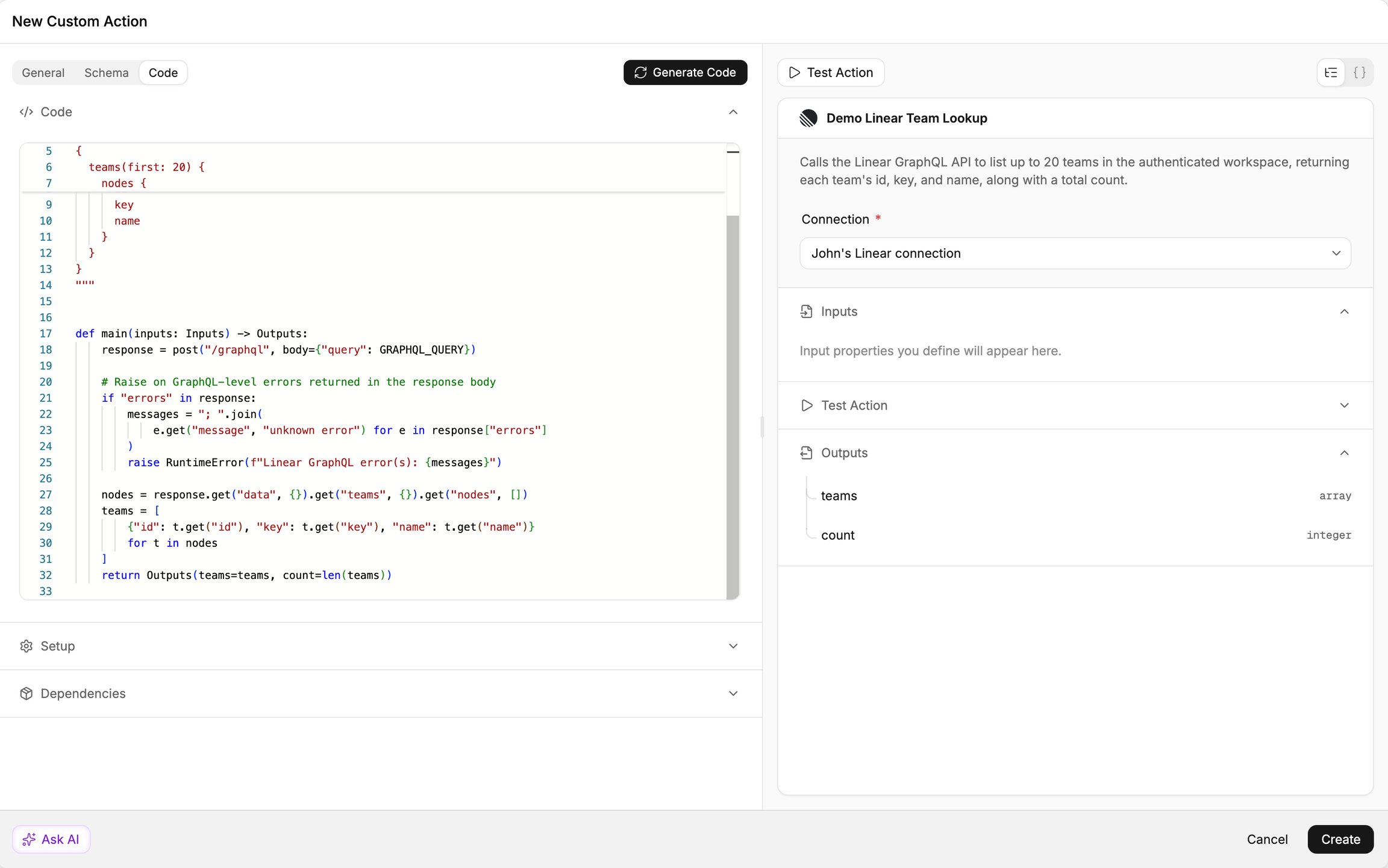
A count derived from a returned list may not represent every record in a paginated provider account.
Run the action
Select an authorized provider connection.
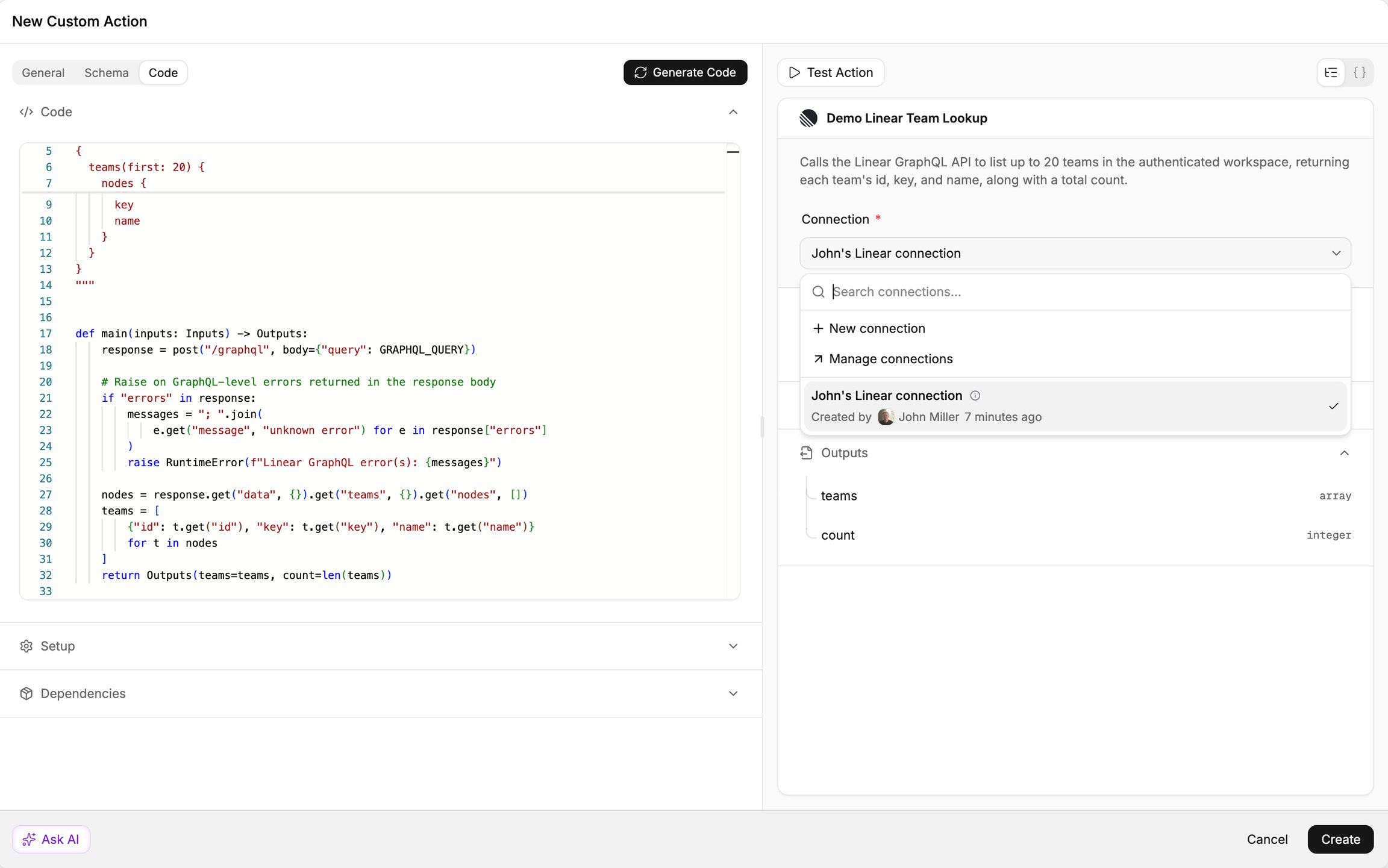
The action uses that account when it calls the provider.
Open Test Action and select Run Action.
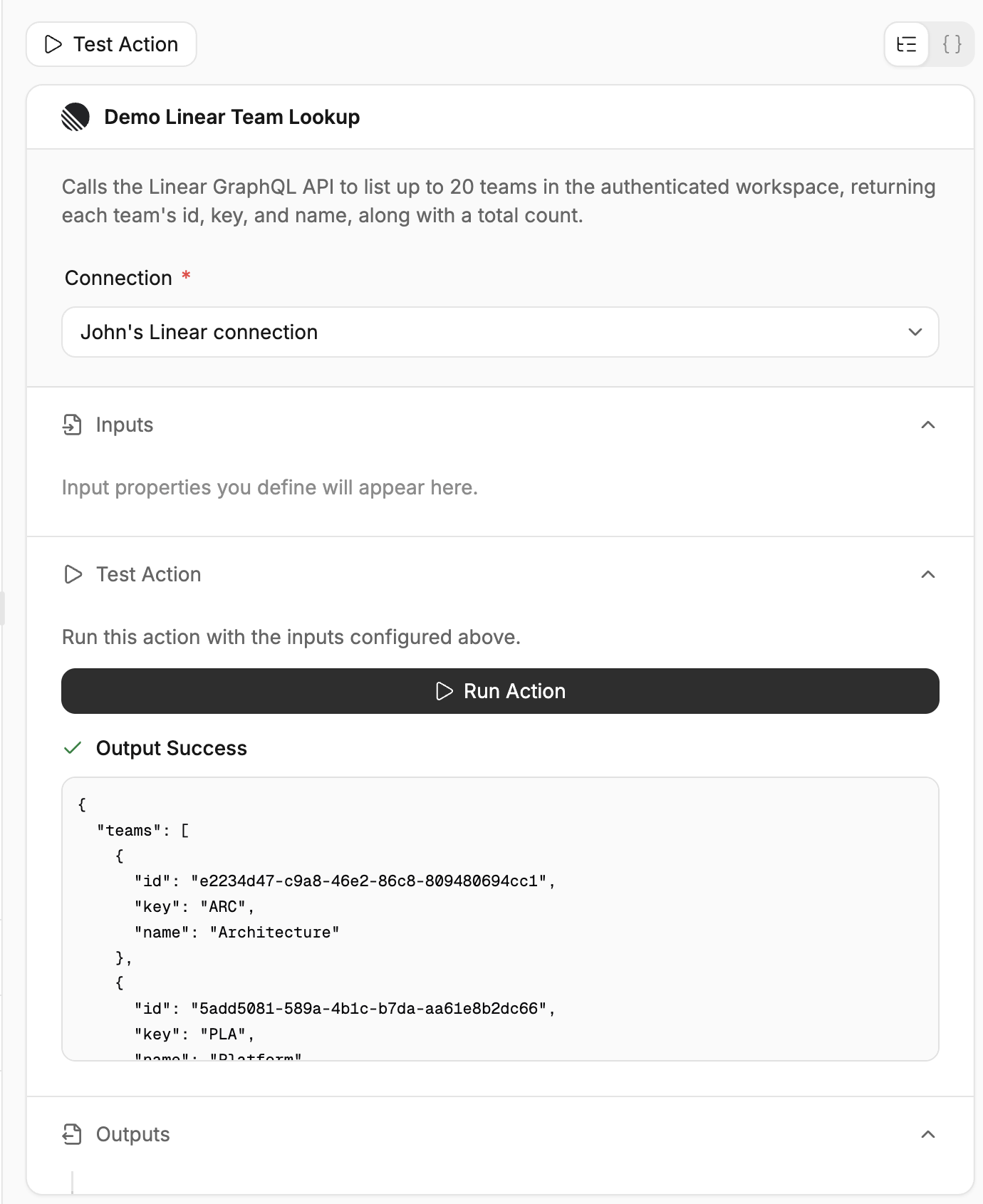
Inspect the response status and records returned by the actual provider request.
Check that summary fields agree with the returned records.
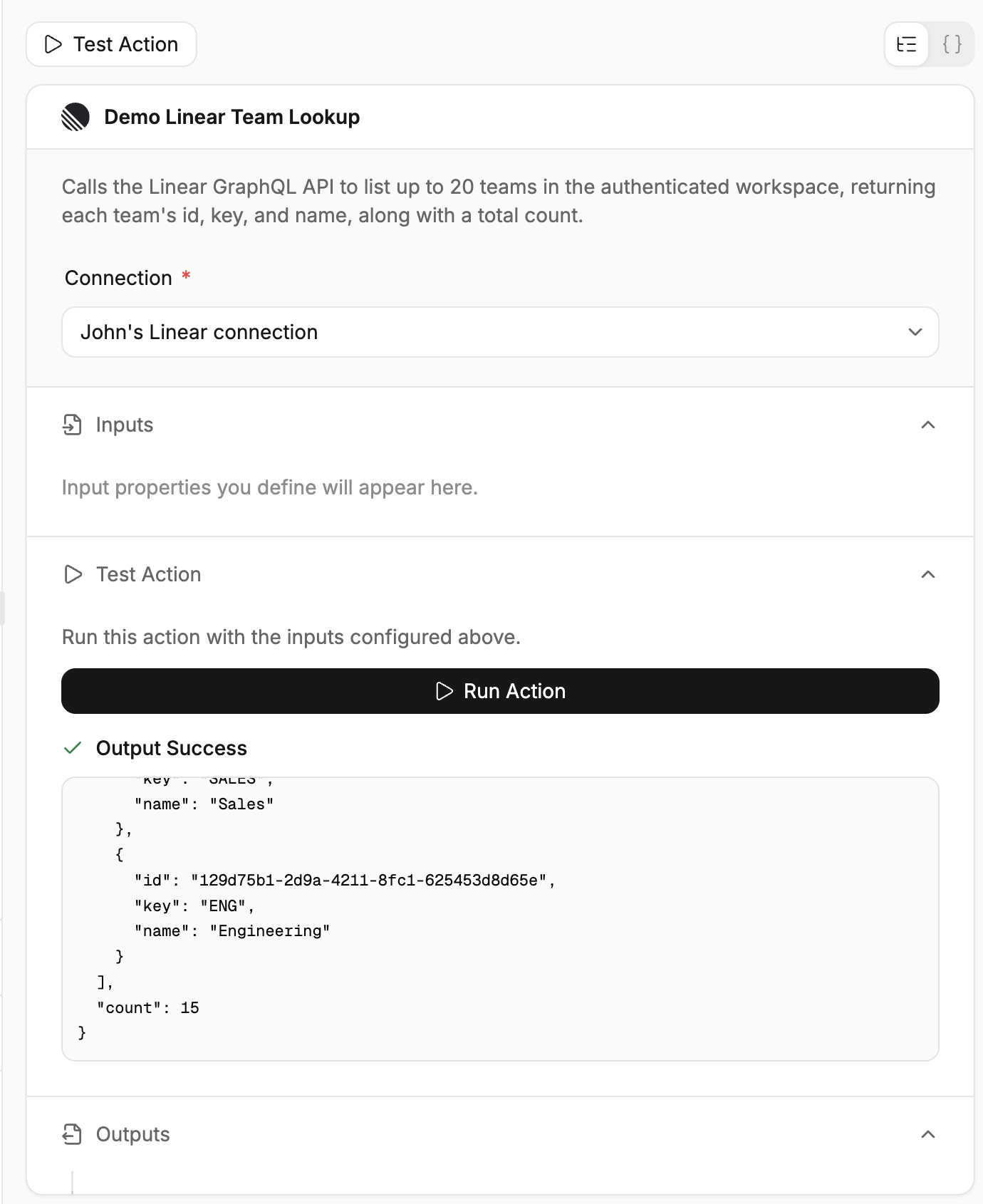
For example, a count of returned items should match the length of the corresponding array.
Save the action
Select Create after reviewing the action's behavior and response.
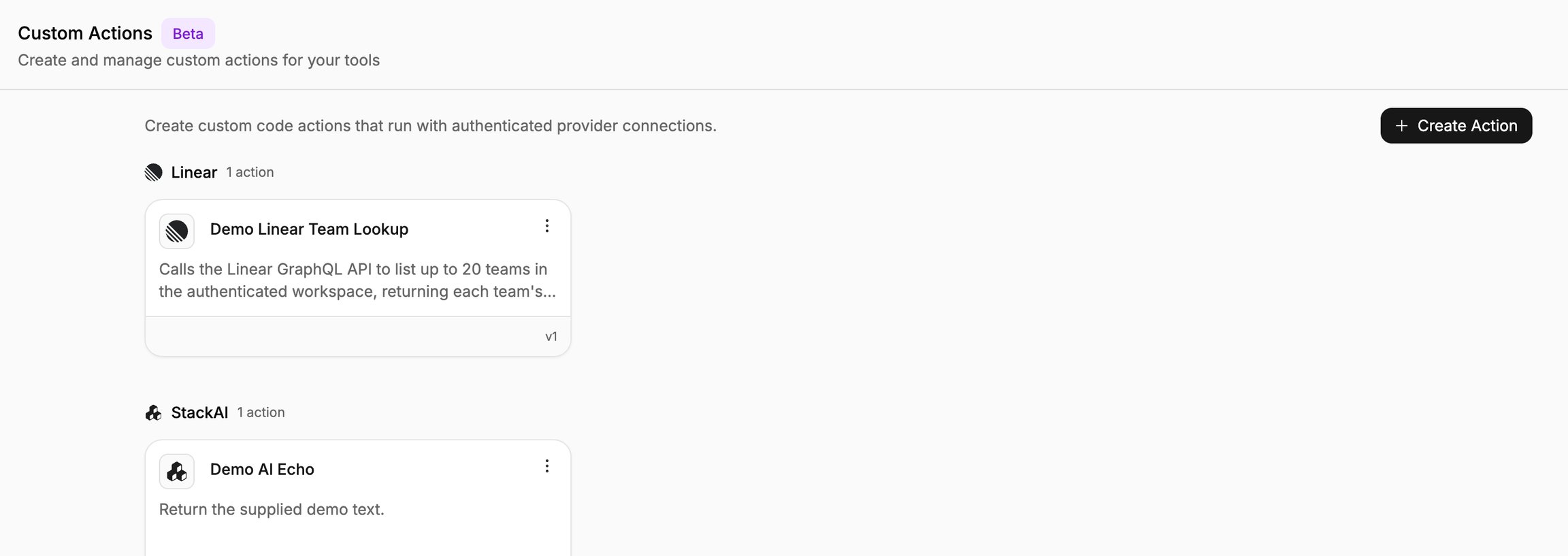
Confirm that the saved custom action appears under the intended provider for reuse.
Important behavior
Read-only means the action does not change provider data. Destructive identifies an action that can remove or irreversibly change data. Idempotent means repeating the same request does not cause additional effects.
If the provider returns results in pages, handle pagination when the action needs a complete list. For GraphQL requests, inspect response errors as well as the HTTP status.
Continue
Last updated
Was this helpful?