

End user connections
An end-user connection lets each person authorize the account an agent uses for them. Use this mode when results must come from the user's connected service account.
Before you start
Open an editable agent with a provider tool that offers Use end-user connection. Prepare a published interface and users with different source access and their own provider accounts. See Give an agent tools if the tool is not yet attached.
Configure the tool
Open the account-backed tool in the agent's configuration.
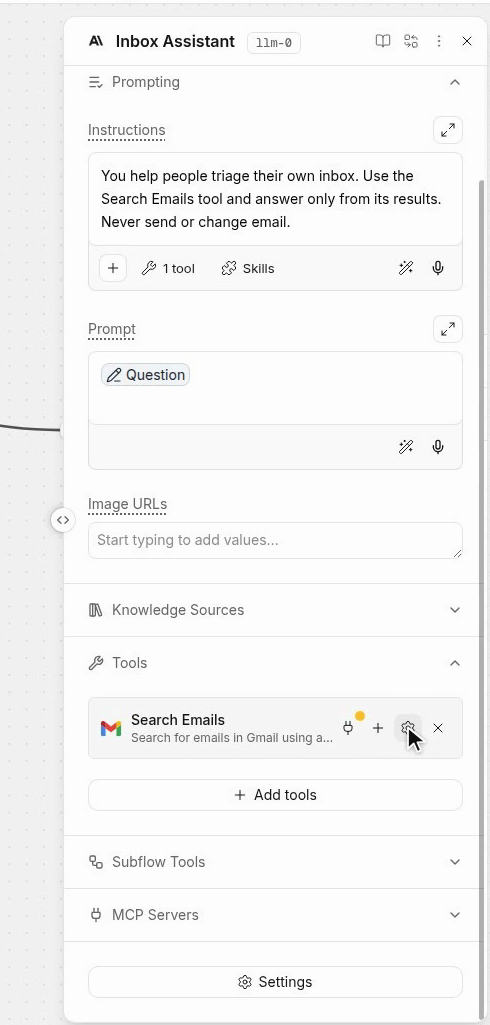
Define how the agent should use the returned information and whether it may change external records.
Set Connection to Use end-user connection.
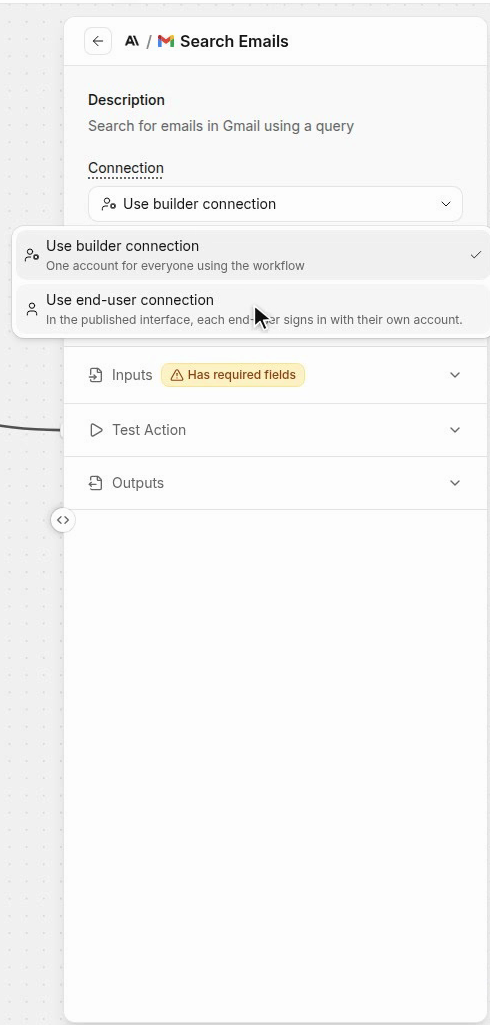
The user of the published interface will then authorize the account used by that tool.
Review builder behavior
Review any builder connection fallback shown in the editor.
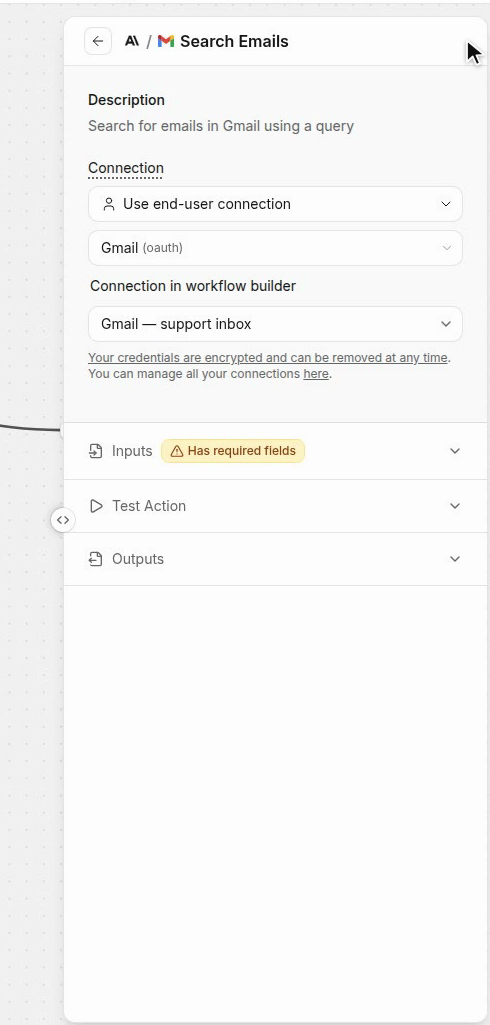
A builder run can use different authorization from the published end-user experience.
Prepare the published interface
Configure the user-facing interface and its access settings for the intended audience.
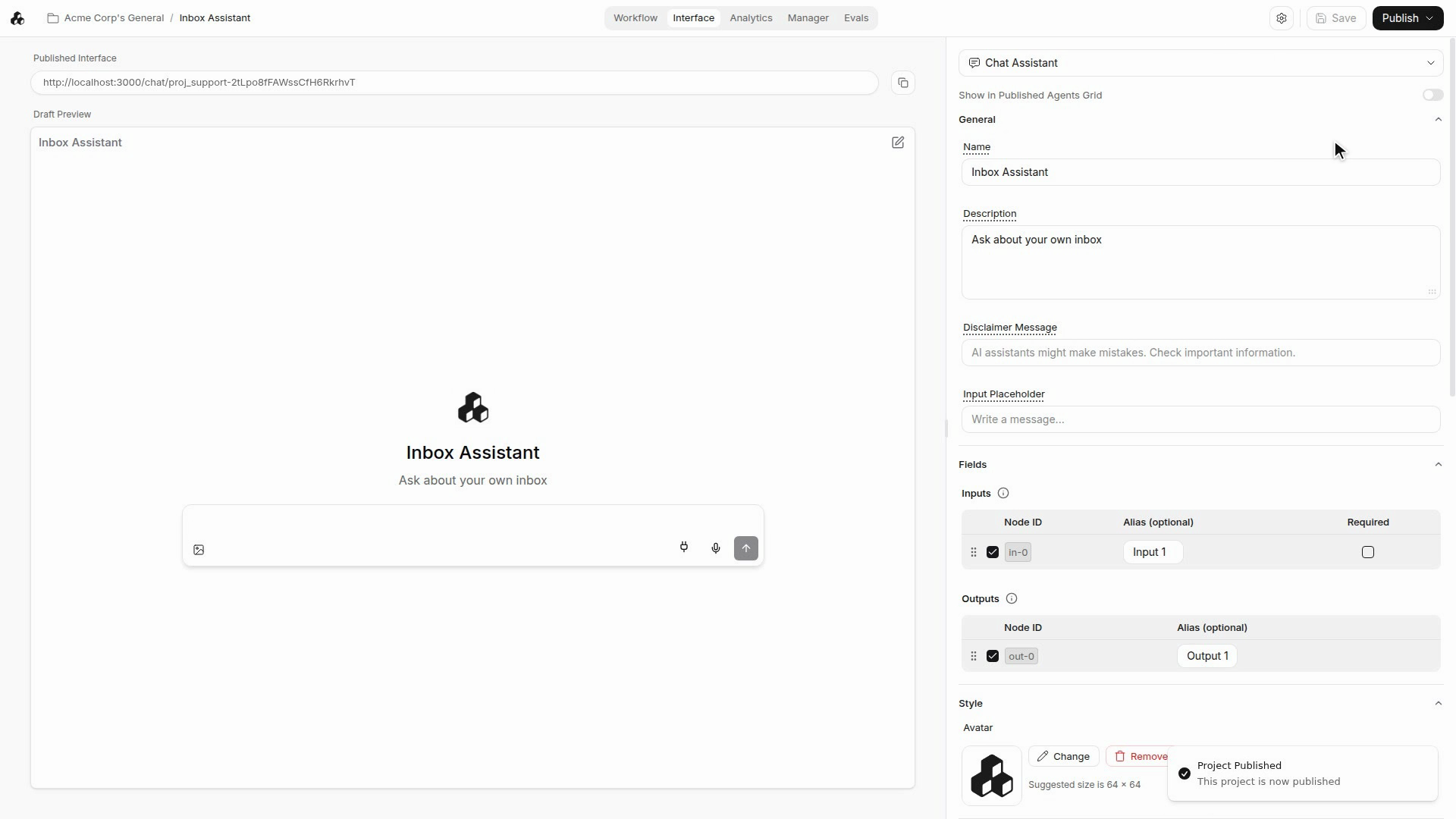
The end-user authorization prompt appears in that interface when a tool needs a connection.
Connect an end-user account
Open the interface as a user and submit a request that needs the tool.
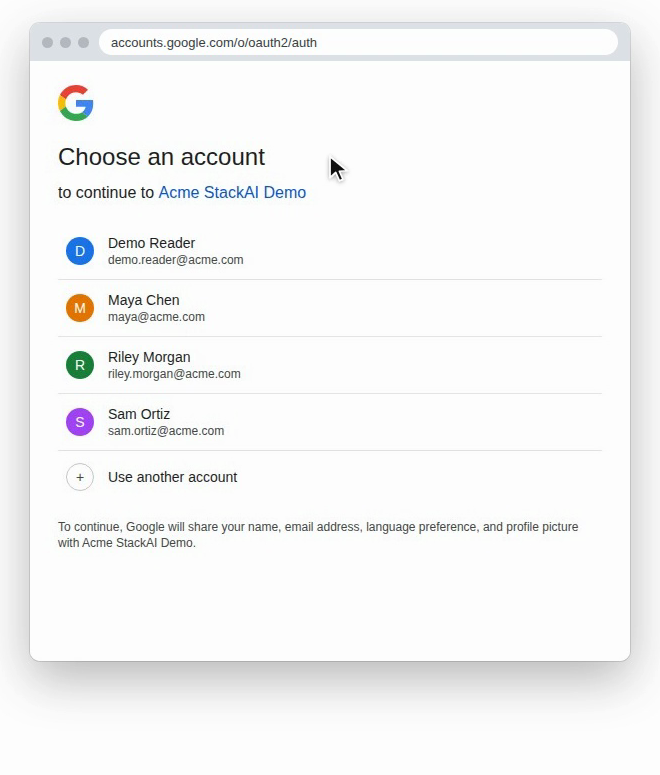
Complete the provider authorization for that user's intended account.
Continue the request after authorization and inspect the returned result.
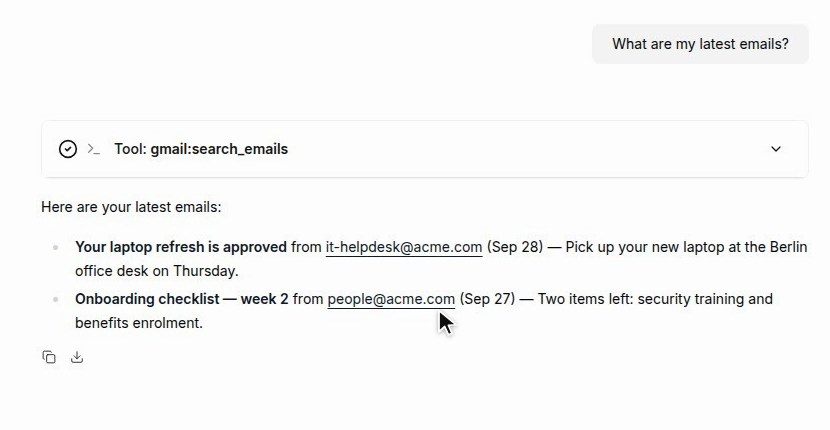
Confirm that the information comes from the connected user's account.
Review account-specific access
Repeat the flow in a separate user session when checking account-specific behavior.
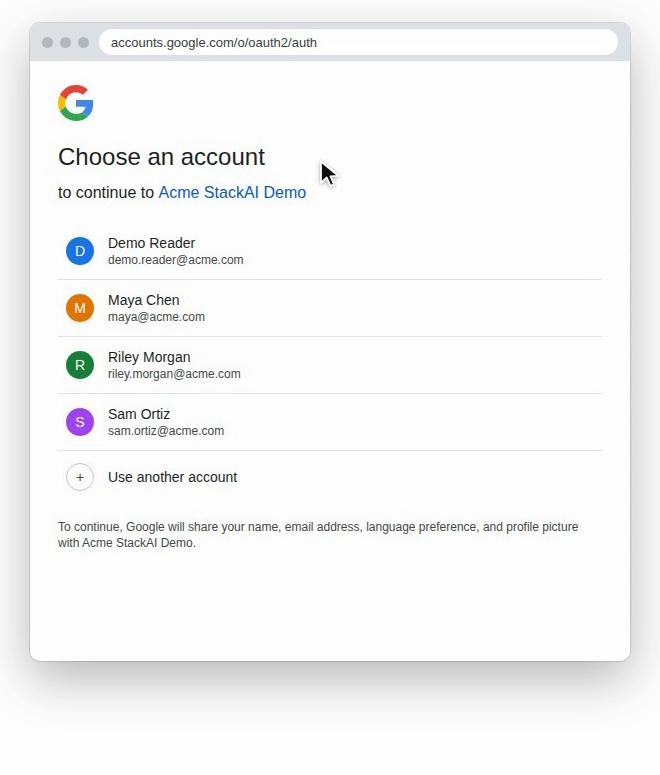
Authorize that user's own provider account rather than reusing another session's credentials.
Compare the results with the data accessible to each account.
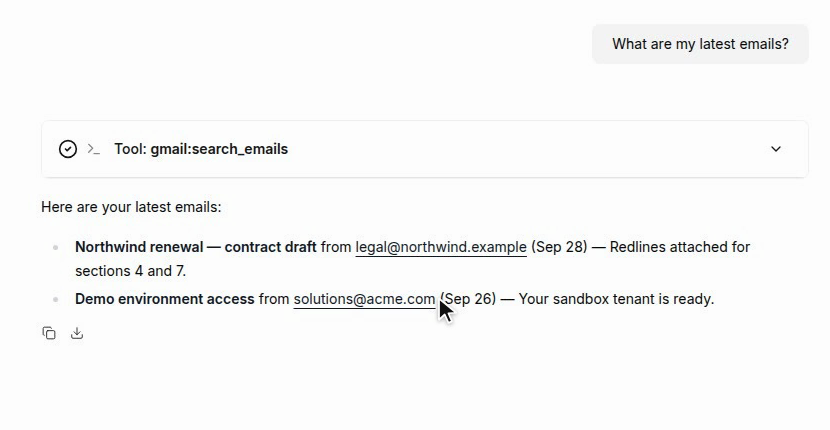
Different users should receive results appropriate to their own authorized connections.
Review connection ownership in the connector's inventory.
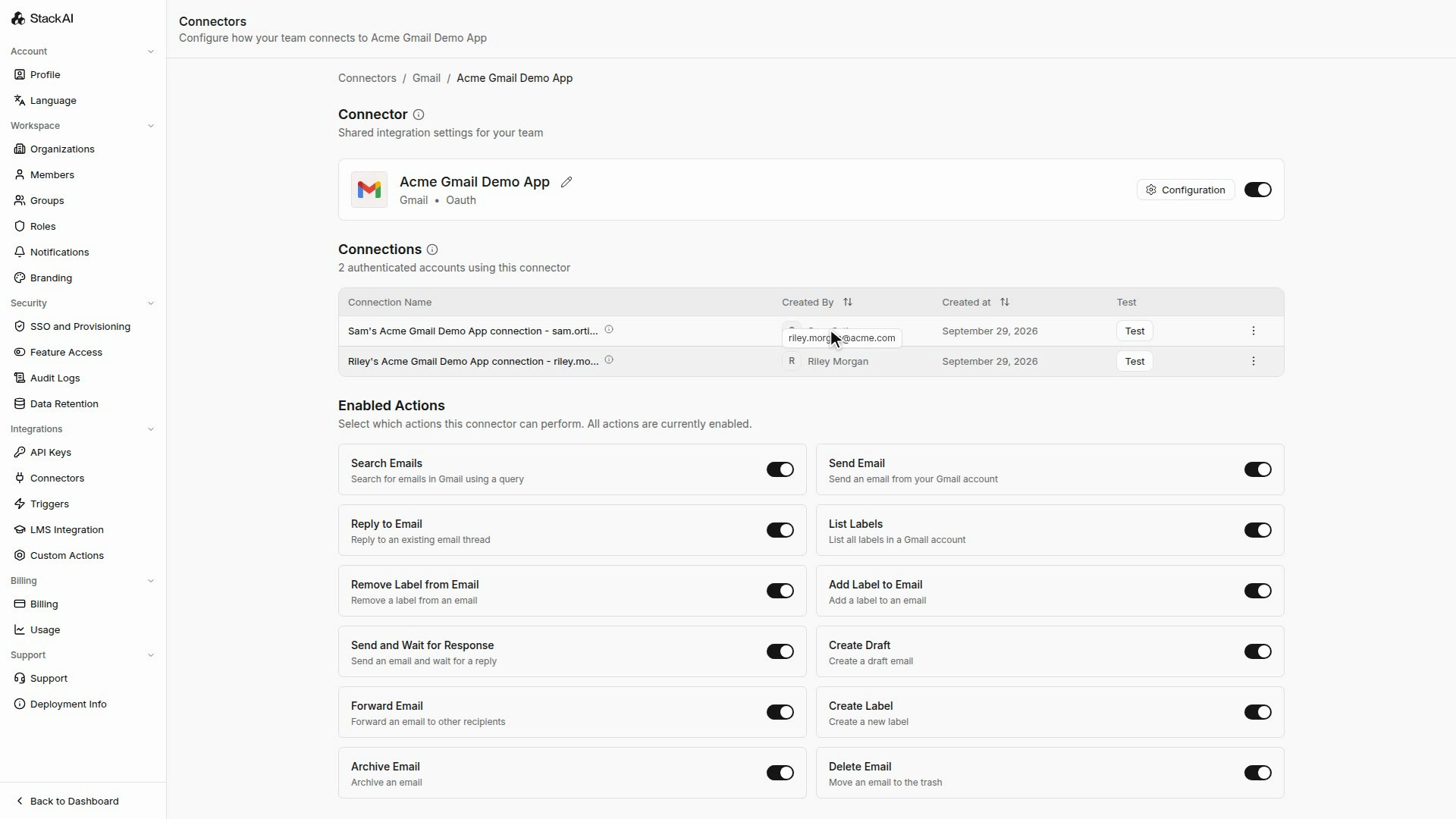
Use the owner information to understand which user supplied each authorization.
Important behavior
A builder connection can differ from the account used in the published interface. Review access through the interface when the tool is configured for end-user connections.
Each end user authorizes their own provider account. Returned information depends on that account’s permissions.
Continue
Last updated
Was this helpful?