

AI assisted workflow editing
Ask AI helps you change a workflow from a written request. Use it to describe the behavior you need and the parts that must remain unchanged.
Review the current workflow
Run the current workflow and inspect its result before requesting a change.
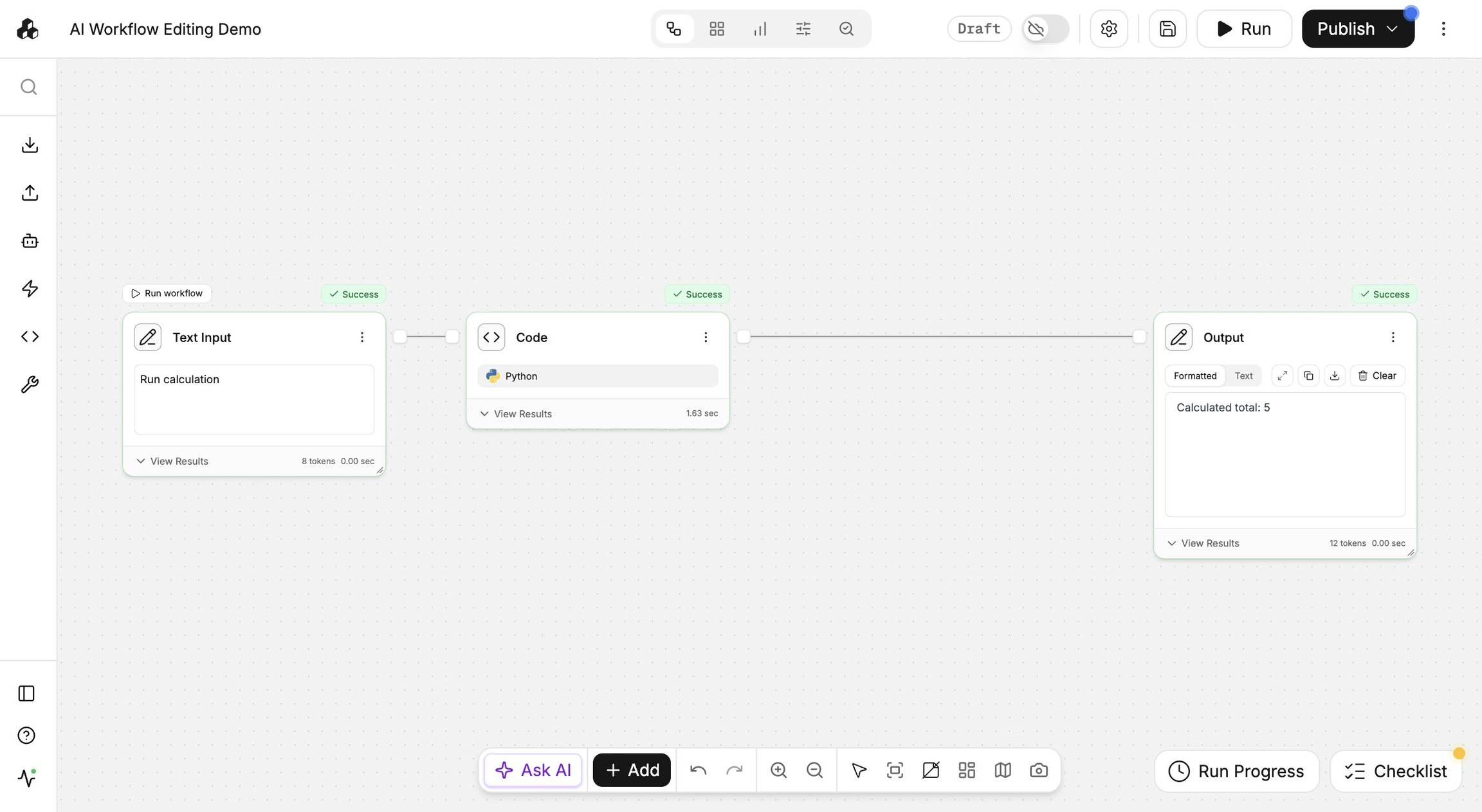
This gives you a clear starting point for reviewing what the change affects.
Request a change
Open Ask AI and describe the required change and any behavior that must remain unchanged.
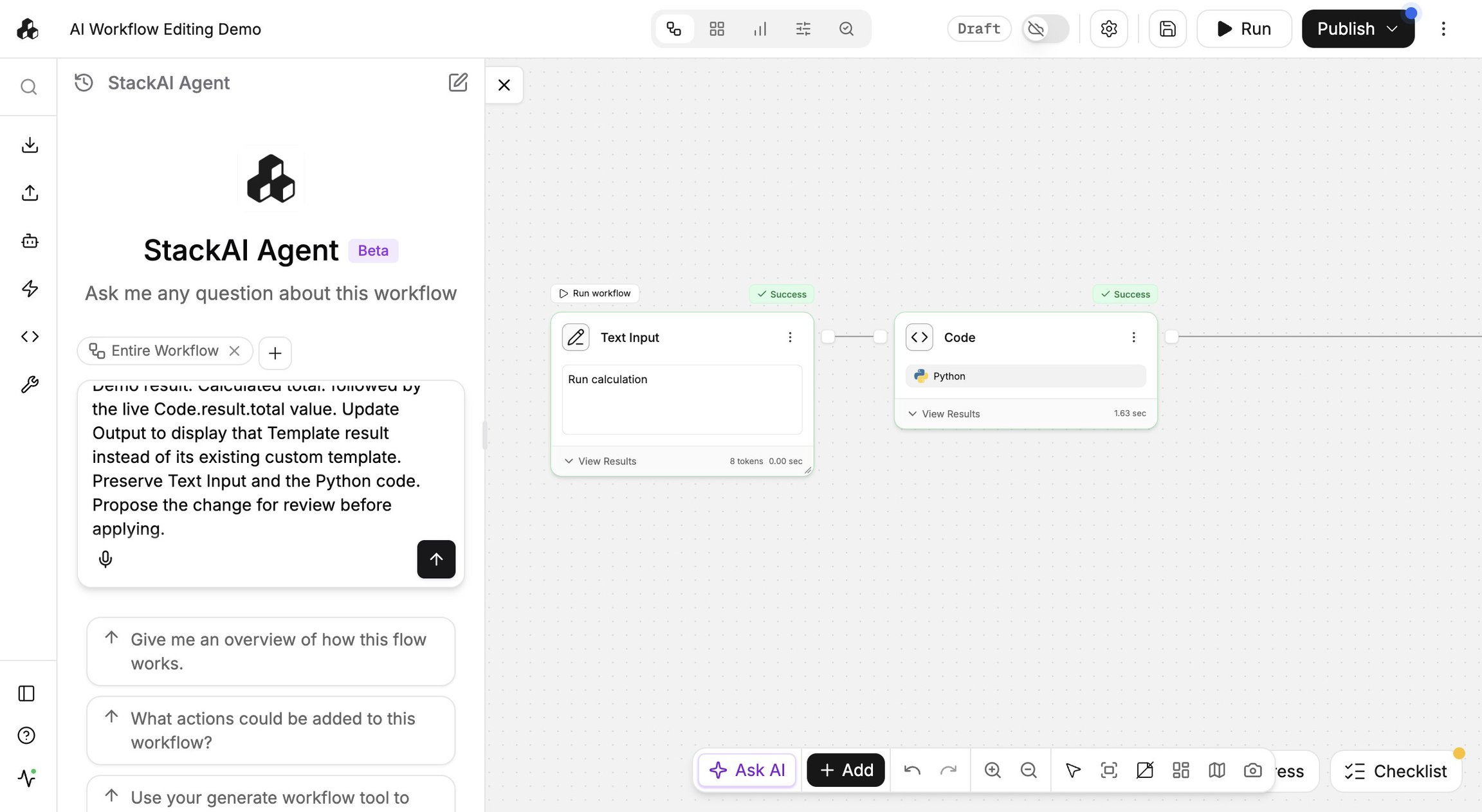
Include the source values the new step should use.
Review the proposal
Review the proposed nodes, settings, and connections before applying the proposal.
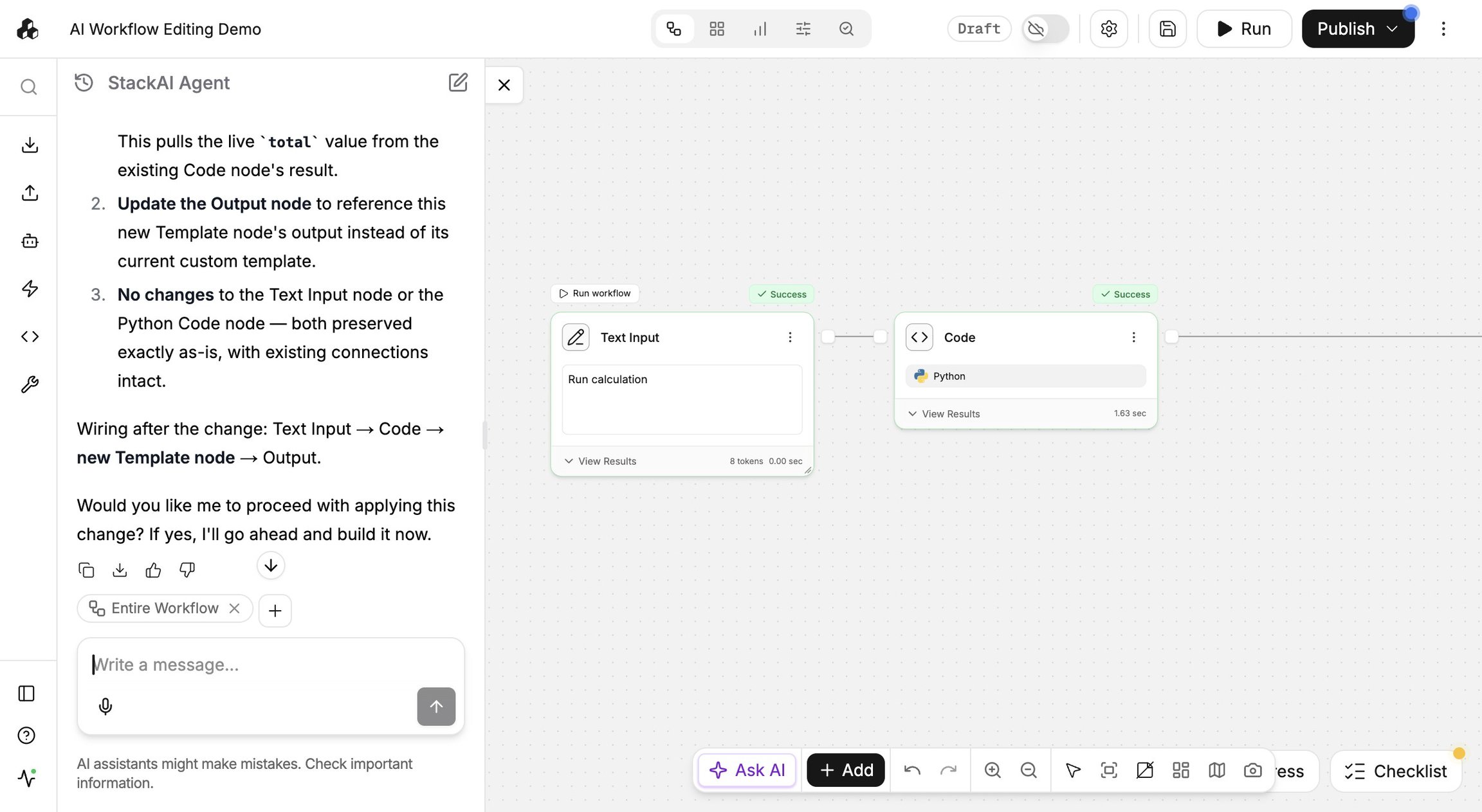
Check that the planned path addresses the requested task.
Inspect warnings in the proposed workflow.
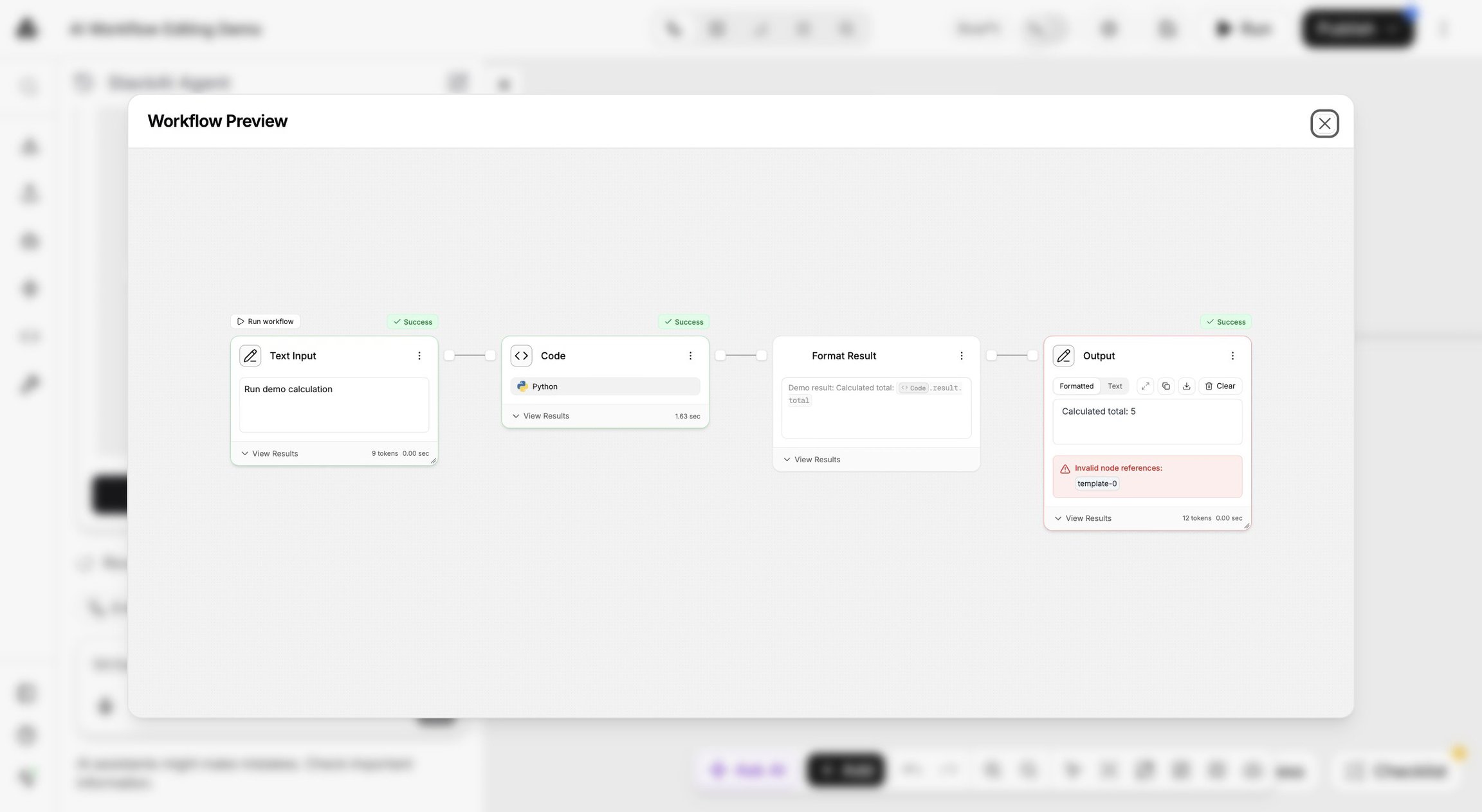
Generated changes can contain invalid references or other configuration problems that need correction.
Correct references and templates
Open any node with a reference warning and correct its source mapping.
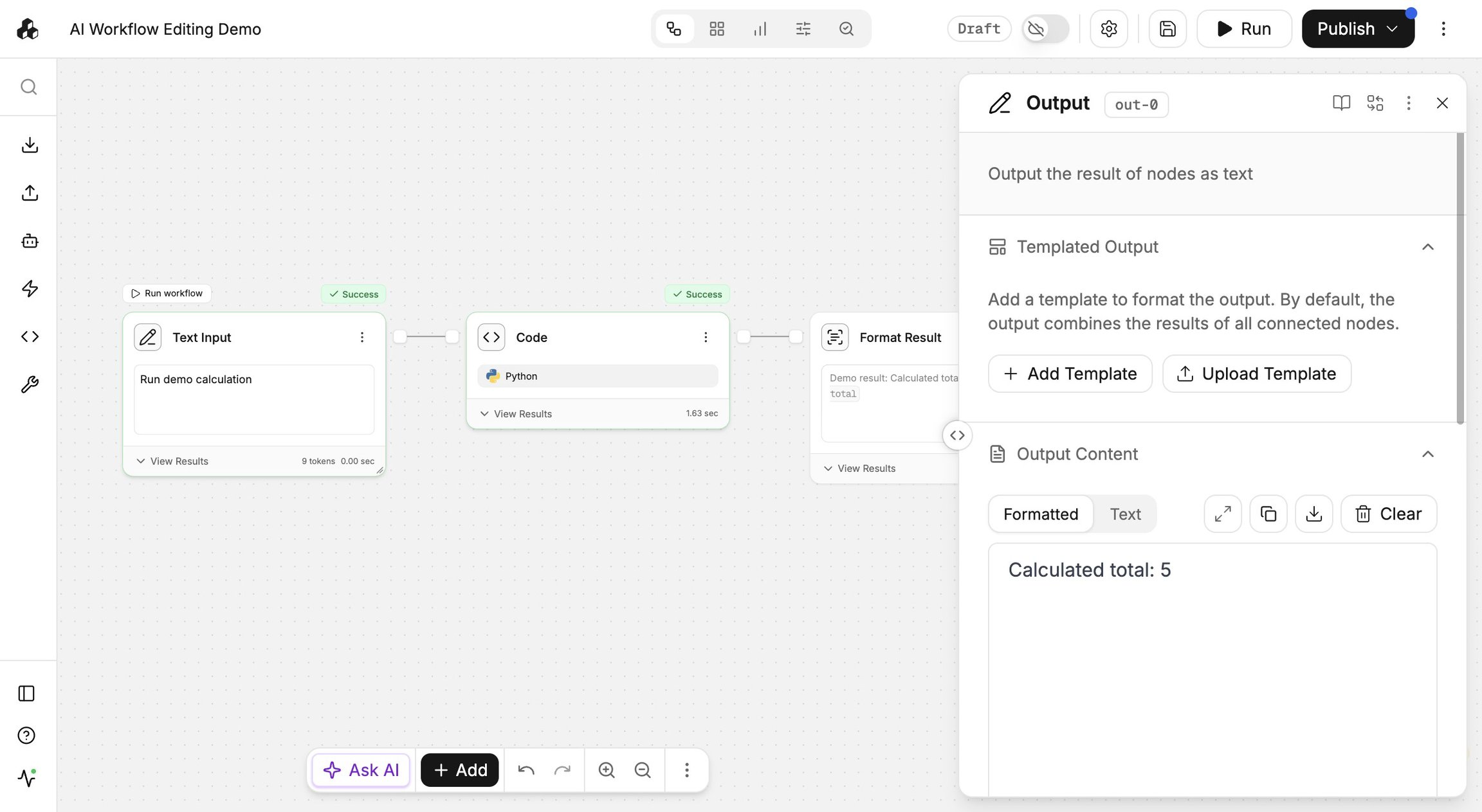
Use the actual connected result rather than keeping an invalid custom template.
Inspect new templates and confirm that their fields are live references.
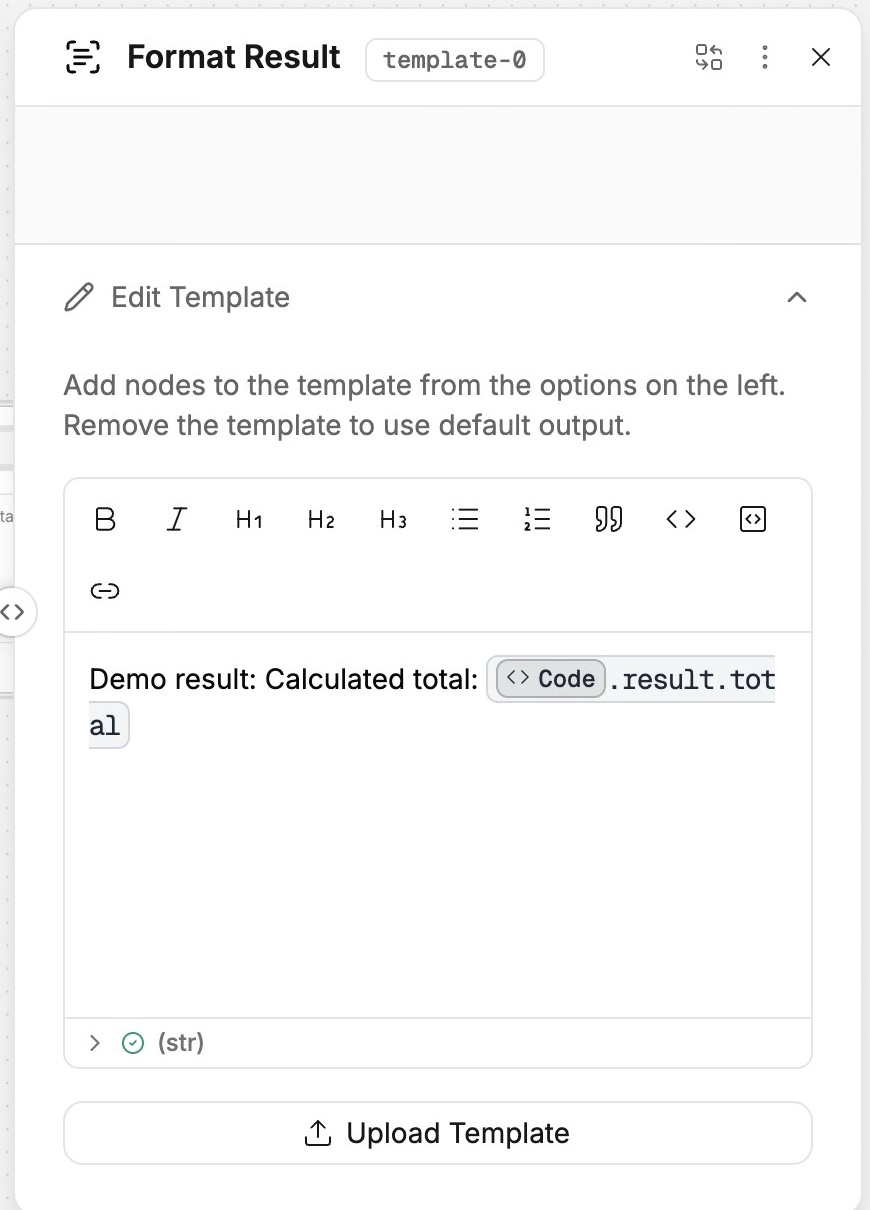
Copied result values will not update on later runs.
Check and save the result
Review the original inputs and code to confirm that required behavior was retained.
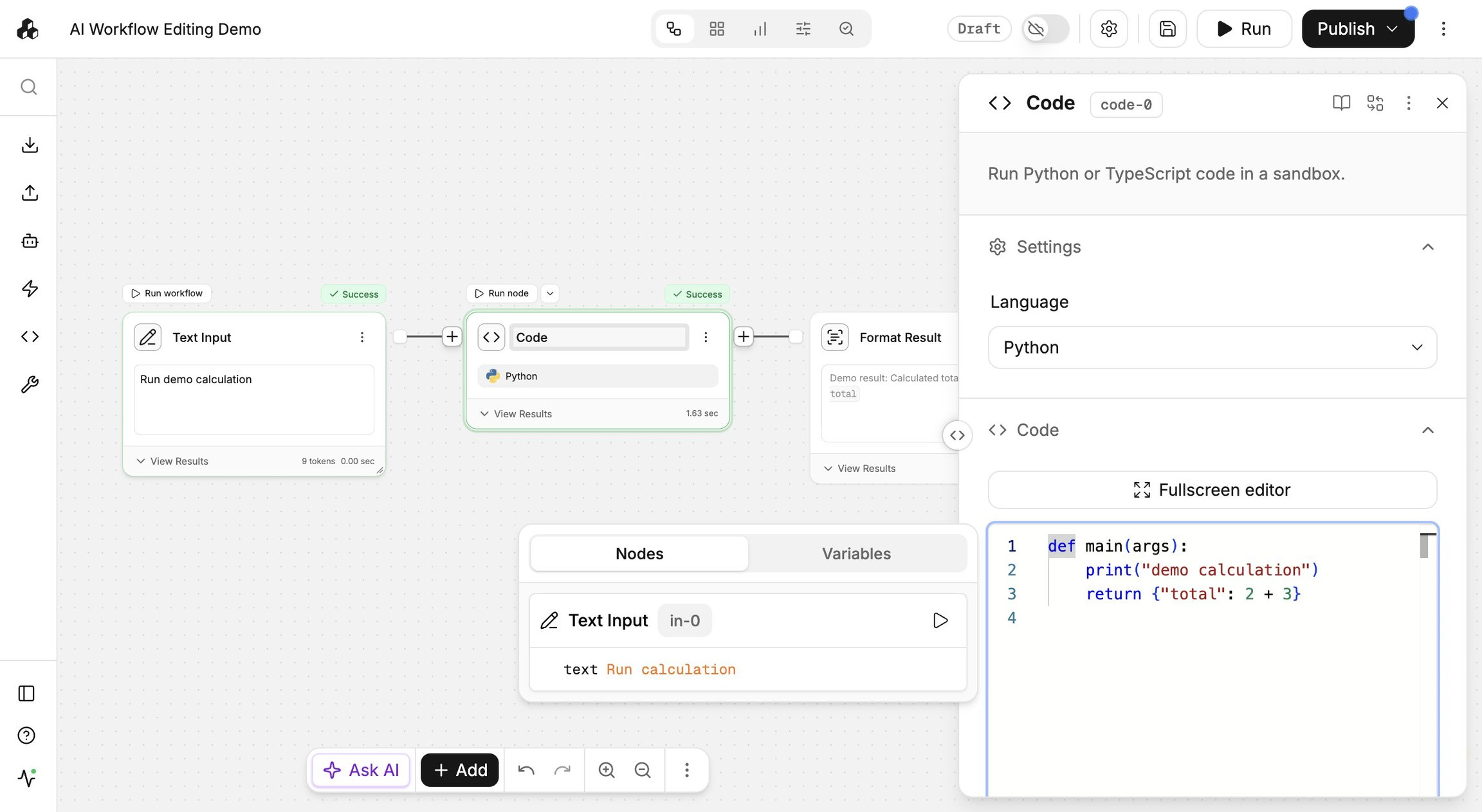
Restore any unintended change before saving the workflow.
Run the complete updated path and inspect Output.
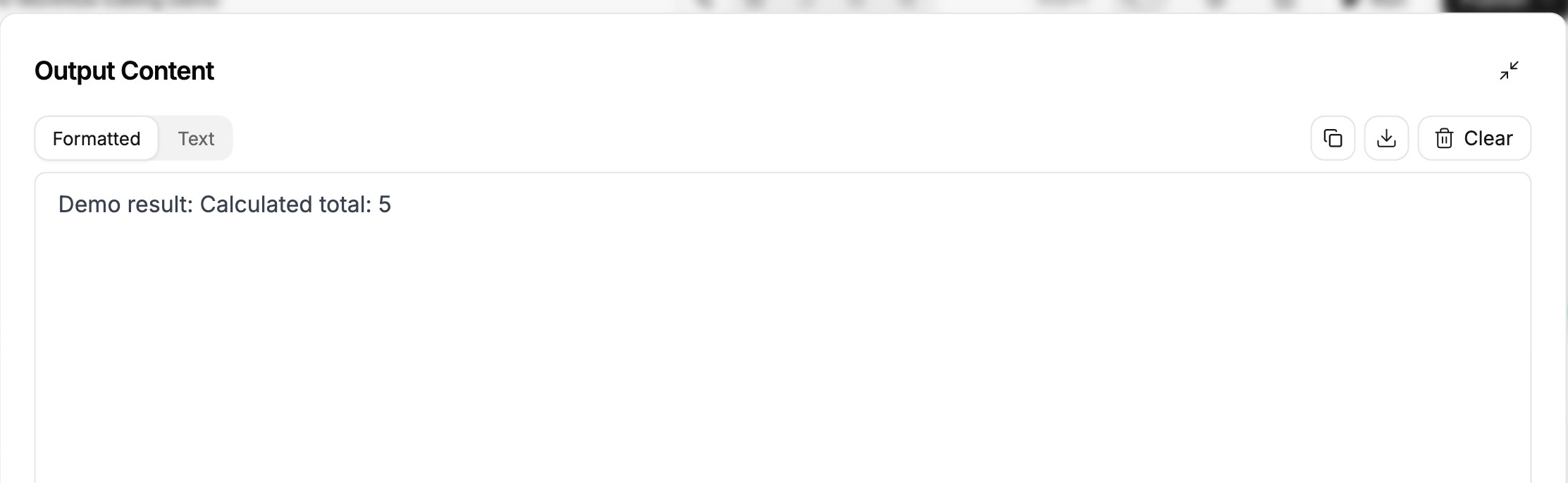
Save the draft after confirming that the new step and the retained behavior work together.
Important behavior
AI-generated changes require review. Check the changed nodes, data references, and access to external services before using the workflow.
Related steps
Last updated
Was this helpful?