

Configure models and prompts
An agent node uses a model to process information and produce a response. Choose the model, explain the task in Instructions, and supply the information in Prompt.
Supply the input
Enter the information to process in Text Input.
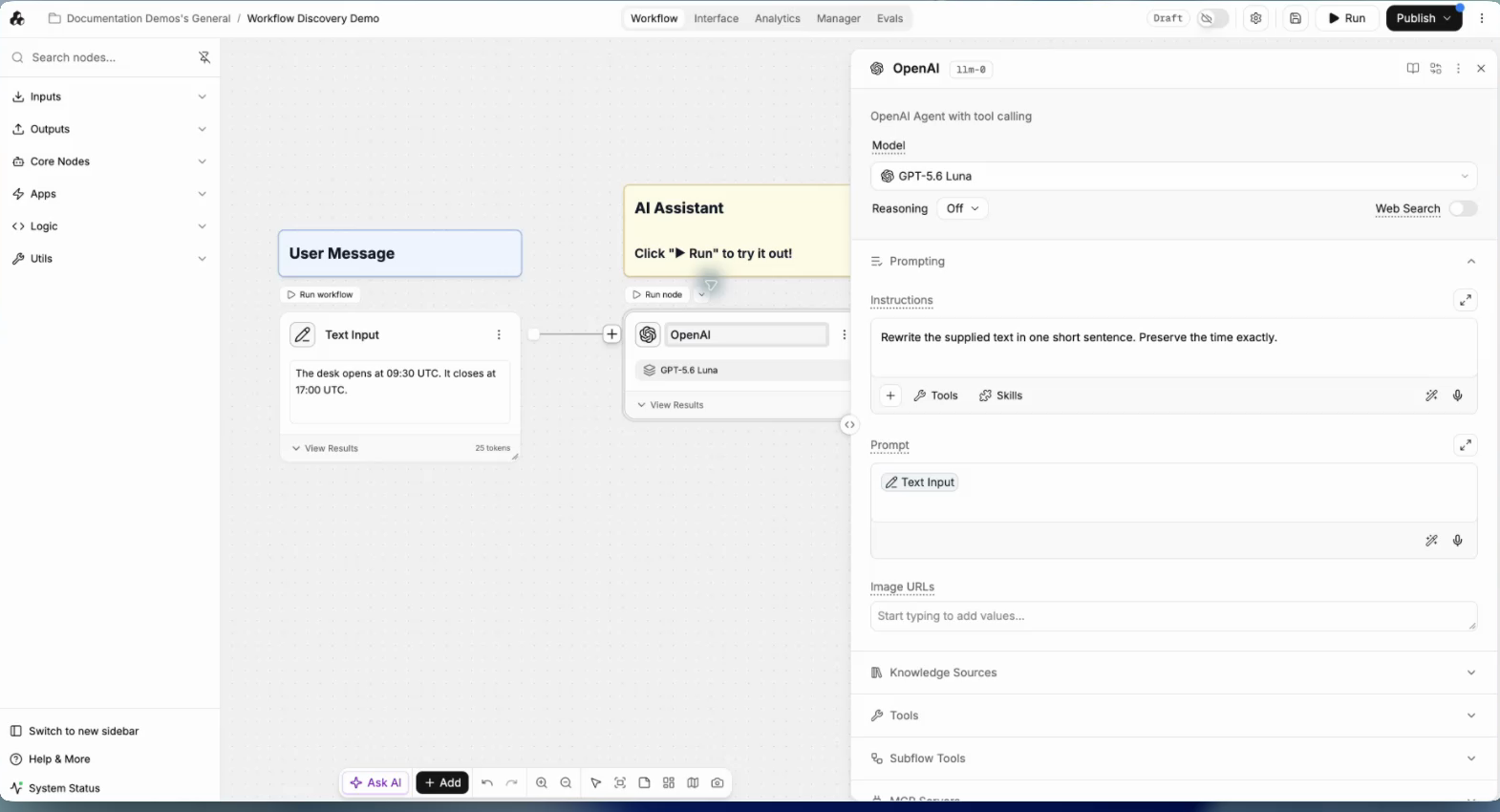
This input will be available to the model when you insert its reference in Prompt.
Choose a model and give it instructions
Open the model selector and choose an available model.
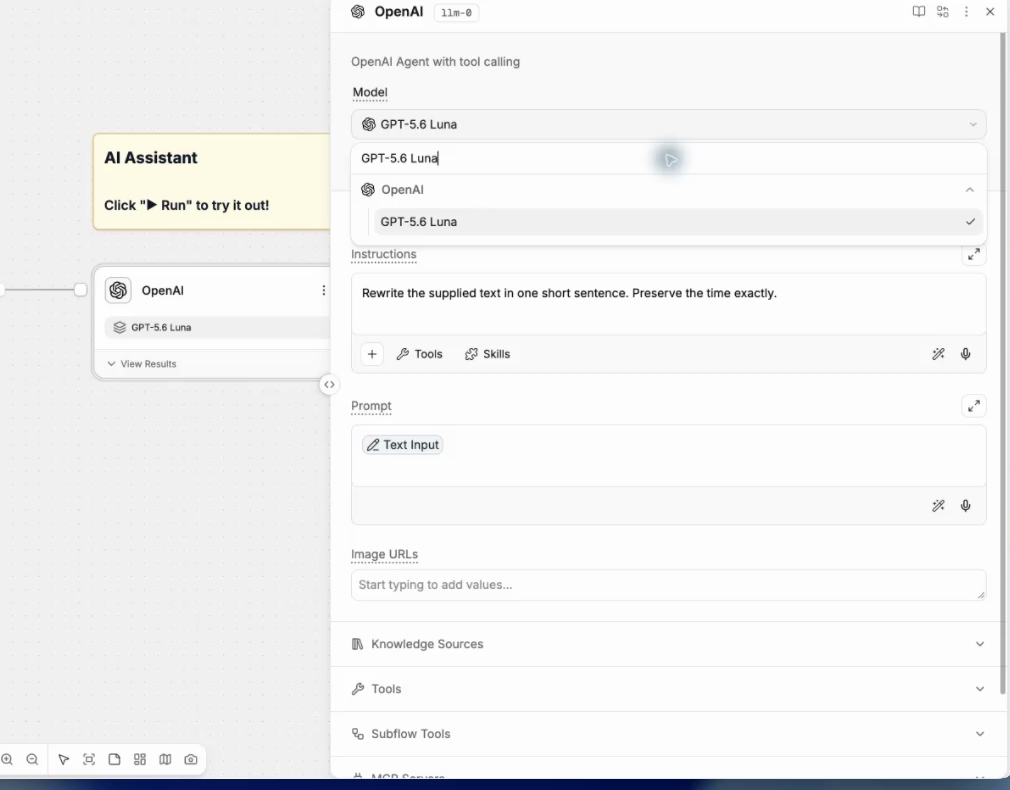
Model availability and supported settings can differ by provider and workspace.
For guidance on Thinking and Reasoning, see Choosing thinking levels. Choose a setting for the work inside each agent node, then compare quality, response time, and cost on representative inputs.
In Instructions, describe the task and required response format. Insert the Text Input reference in Prompt.
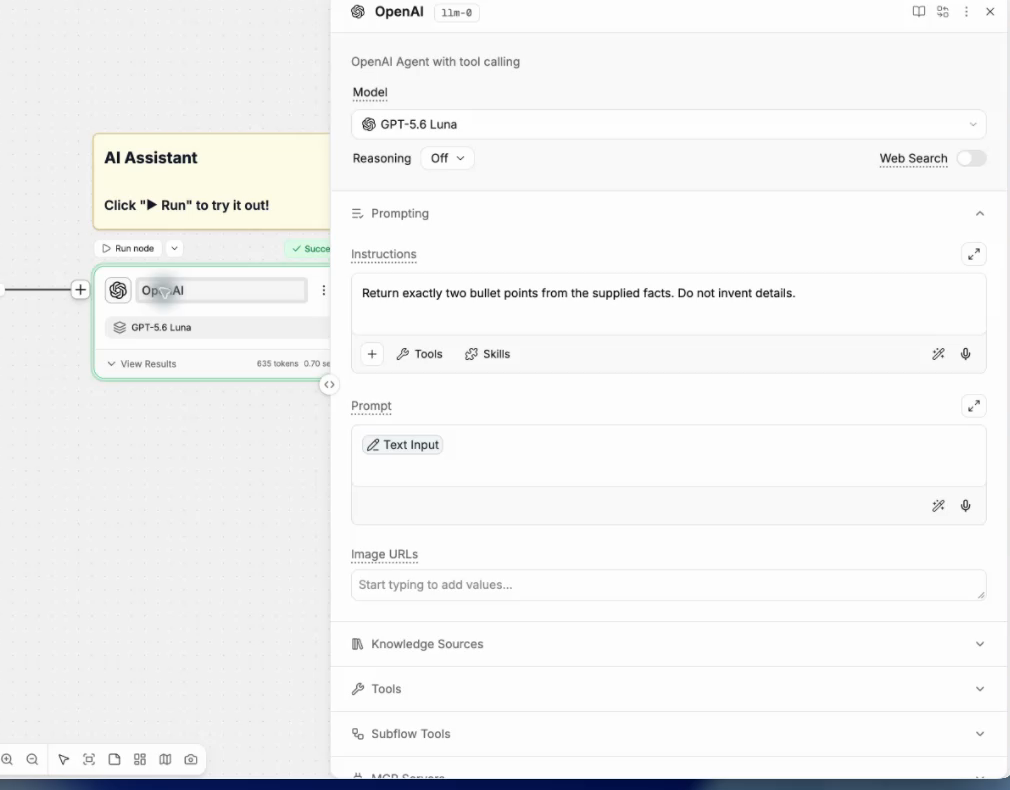
The reference supplies the current input each time you run the workflow.
Configure response settings
Open Settings to review Conversation Memory and Answer Format.
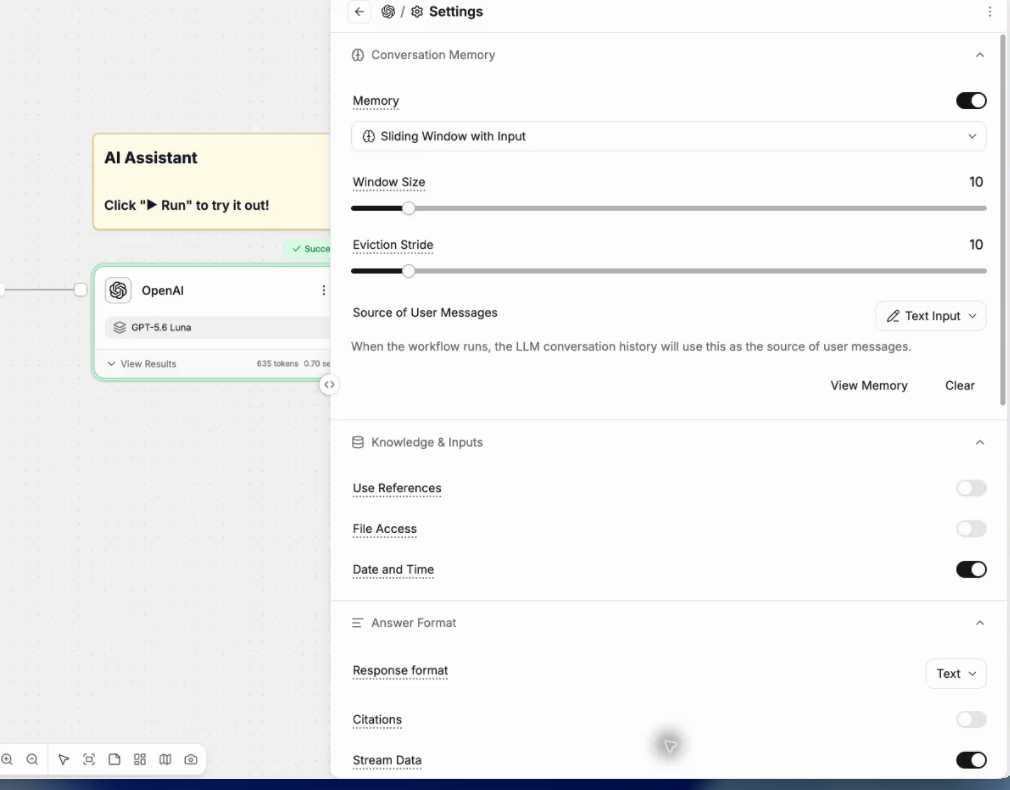
These affect the context available to the model and the structure of its response.
Update the instructions when you need a different response.
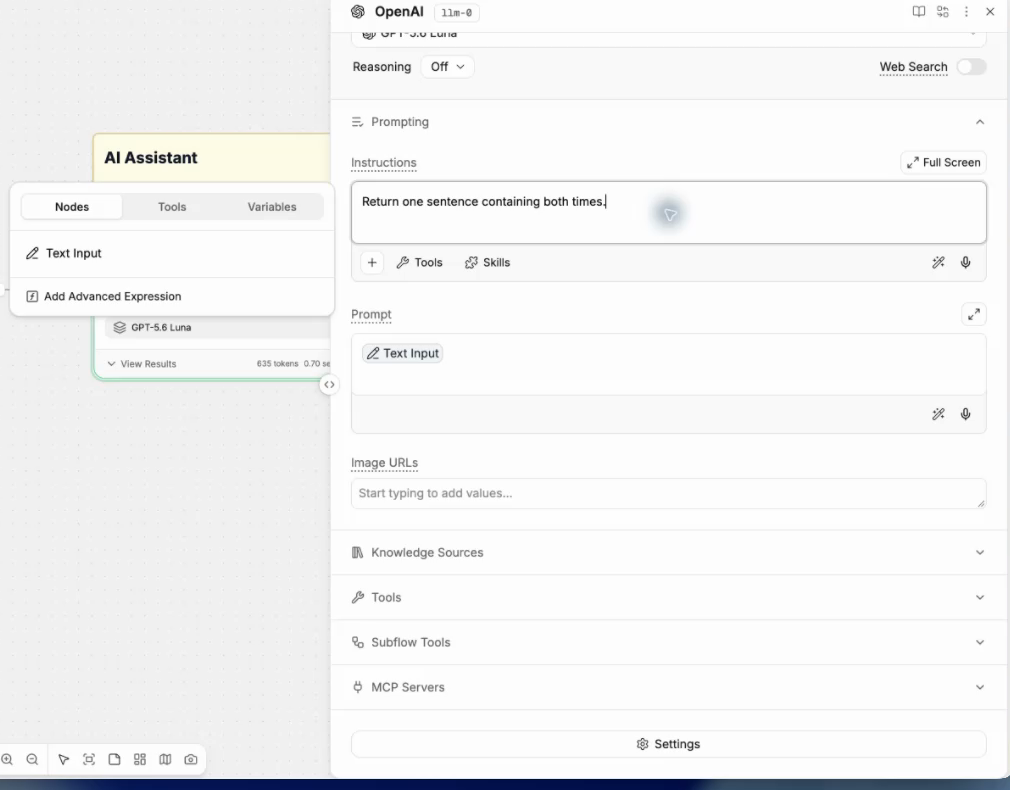
Keep the input reference in Prompt so the model continues to receive the current input.
Review the output
Inspect Output for both accuracy and format.
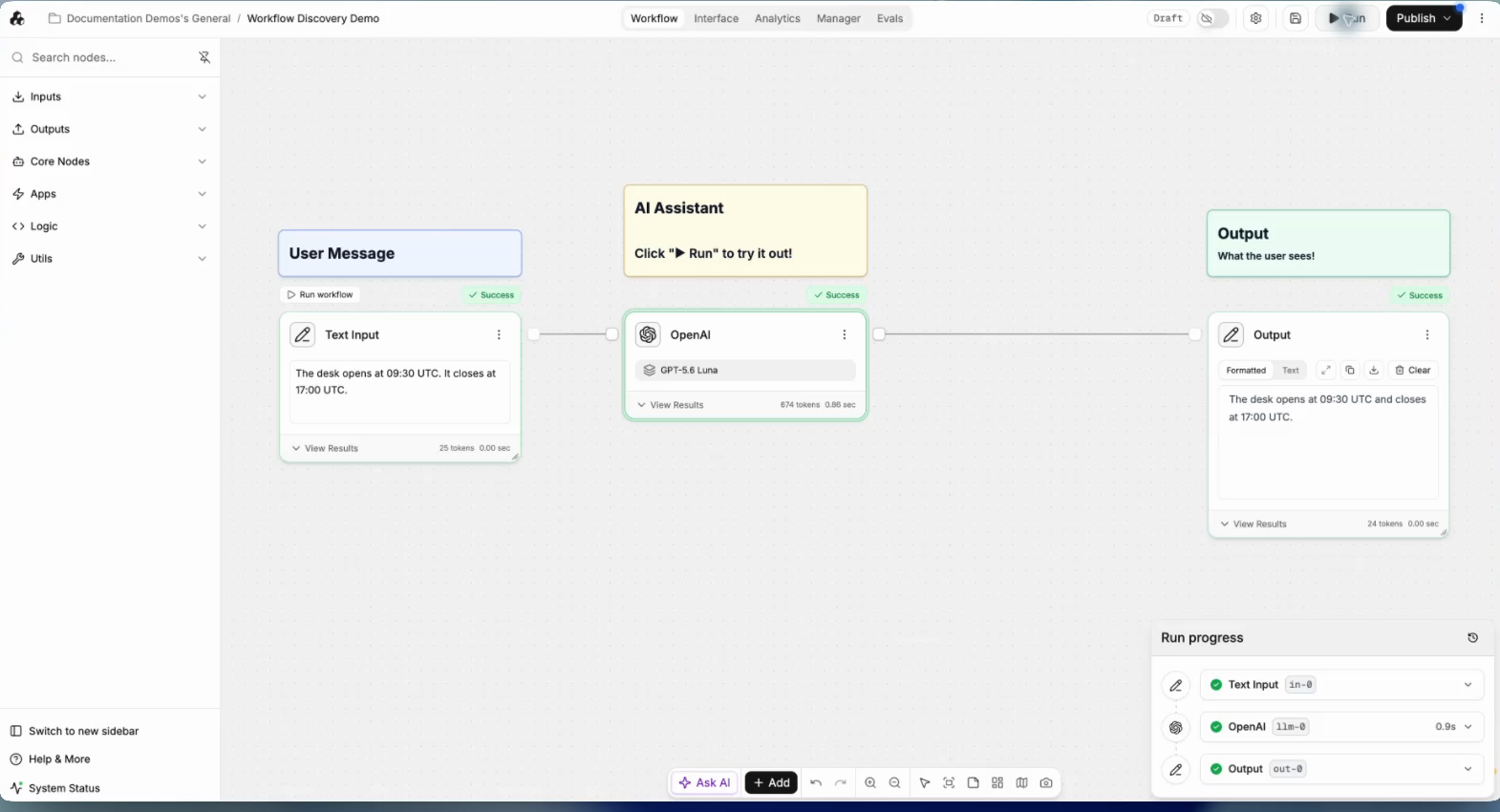
A response can follow the requested layout while still omitting or changing a source fact.
Important behavior
Use Instructions for the task and response requirements. Use Prompt for the information to process.
References supply values from the current run. Text typed directly into the prompt stays fixed.
Related steps
Last updated
Was this helpful?