

Conversation memory
Conversation memory supplies earlier messages to a model. Use it when users need to ask follow-up questions without repeating information.
Enable conversation memory
Open Settings → Conversation Memory and enable Memory. Choose the retention method and configure its settings.
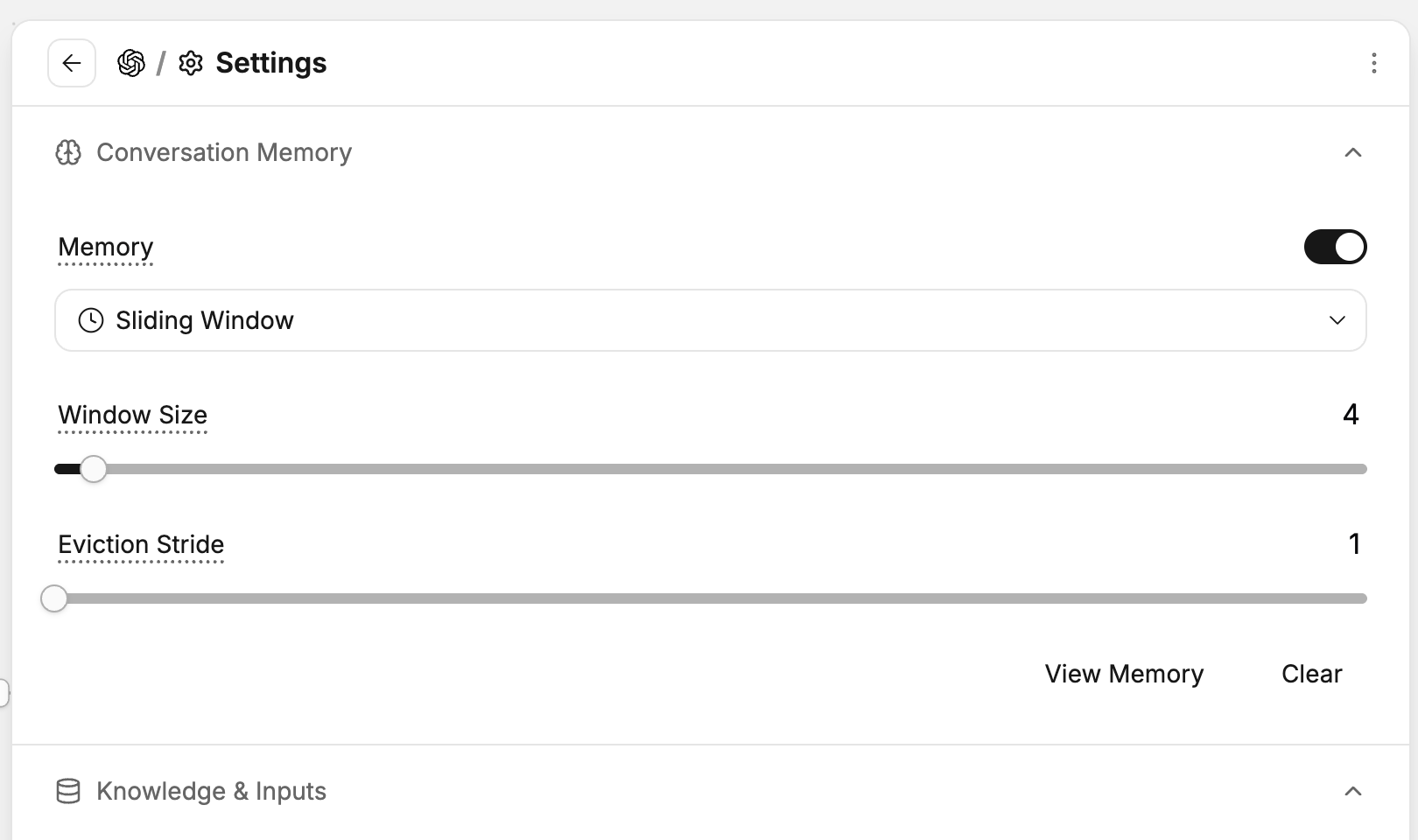
Memory supplies earlier messages from the same conversation to the model.
Use earlier messages
Send information that a later message will refer to.
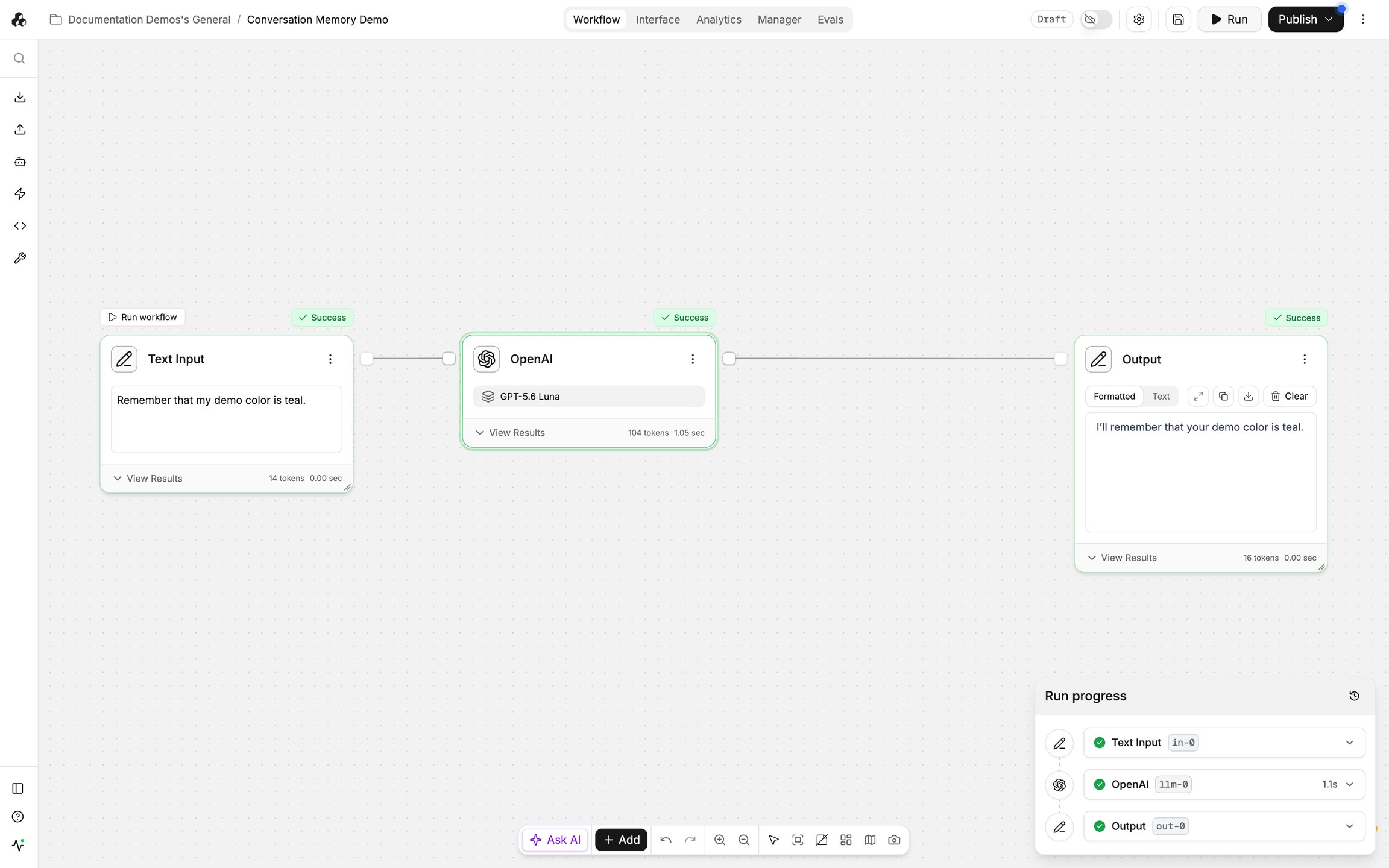
Conversation memory makes earlier exchanges available beyond the current message.
Ask a follow-up that depends on the earlier exchange.
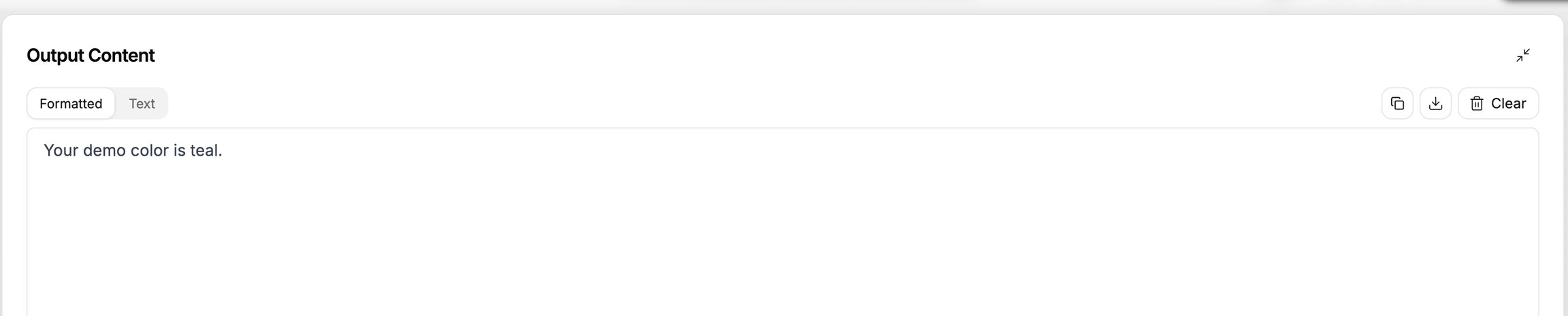
Inspect whether the answer uses the relevant conversation context.
Inspect stored messages
Open View Memory to inspect the stored messages and responses.
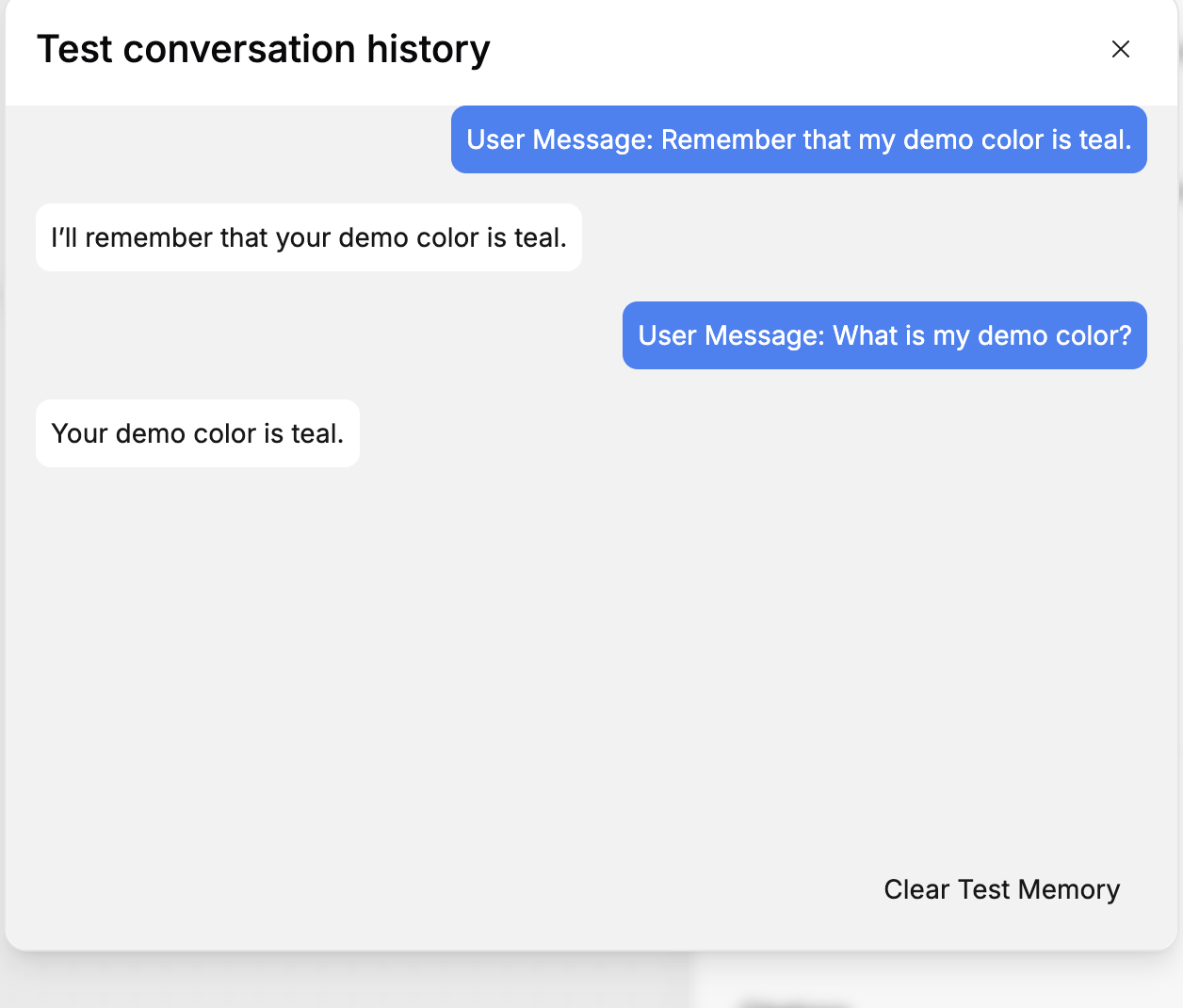
This helps explain which earlier information is available to the model.
Clear builder memory
Select Clear Test Memory when you want to clear the conversation stored by the builder.
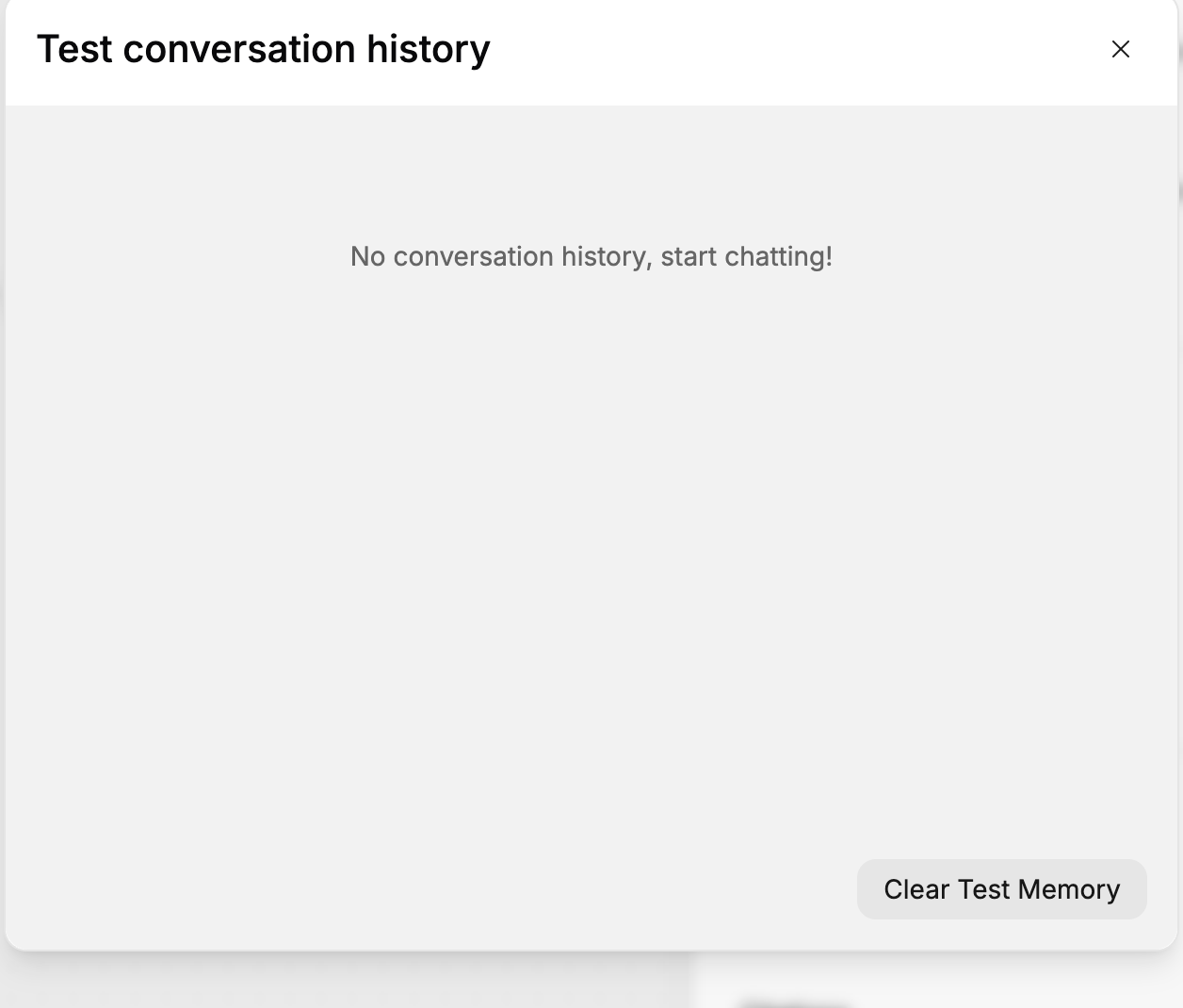
This removes the earlier context used by subsequent requests in that builder conversation.
After clearing memory, send a new request.
Include any information the model needs again, because the removed messages are no longer available.
Important behavior
Messages must belong to the same conversation to share its memory. A new conversation has separate context.
Window Size controls how much history remains available. Eviction Stride controls how much is removed as the sliding window advances.
Choose an initial retention size
For sliding-window memory, Window Size is measured in stored messages, not days. Eviction Stride is the number of oldest messages removed together when the window is full. For example, a stride of 2 removes two older messages in a batch; it does not mean two days of retention. Check View Memory after a short exchange to see which messages are present. Use a size that retains the context your task needs and test a follow-up near the limit.
Clearing builder test memory is separate from organization-wide data retention. See Data retention for the organization’s storage policy.
Last updated
Was this helpful?