

Map variables and expressions
Variables and expressions pass data between workflow nodes. Use a reference when a value must come from the current run. Use fixed text when the value should remain the same.
Before you start
Complete First input to output workflow and run the node whose result you want to use. A field is a named value, similar to a column heading. An object groups named fields; an array is a list of items. Unlike a value copied from a spreadsheet cell, a reference reads the current run’s value.
Inspect the source data
Run the source node and inspect its structured result.
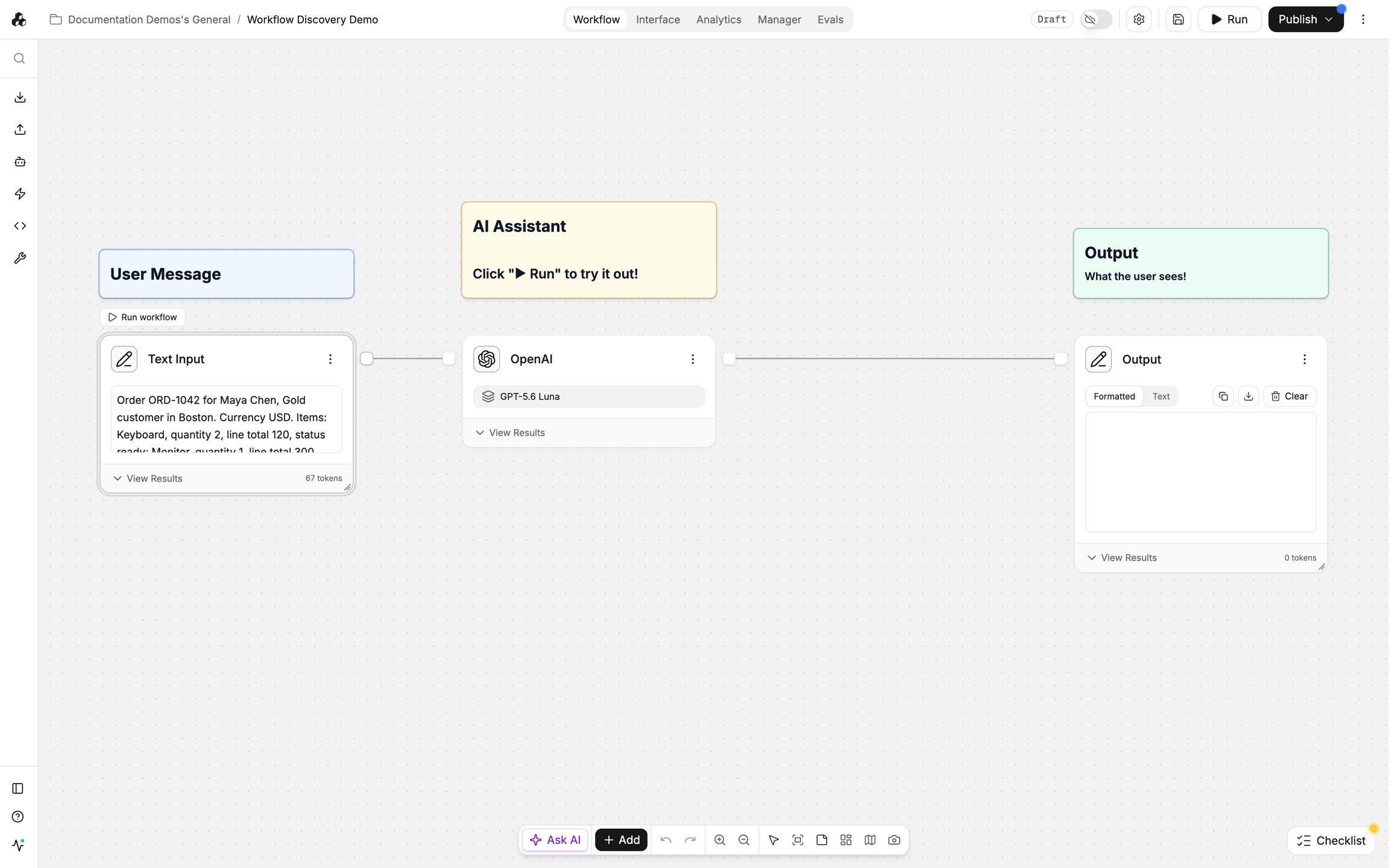
Identify the exact field names and list structure before writing an expression.
Insert a reference
Open Output → Edit Template. In the template editor, use the reference picker to select the source node and the field you need. Where the editor offers an inline reference menu, type @ to open it. Select the inserted reference to open its Expression editor. Run the source node first if its result fields are not yet available.
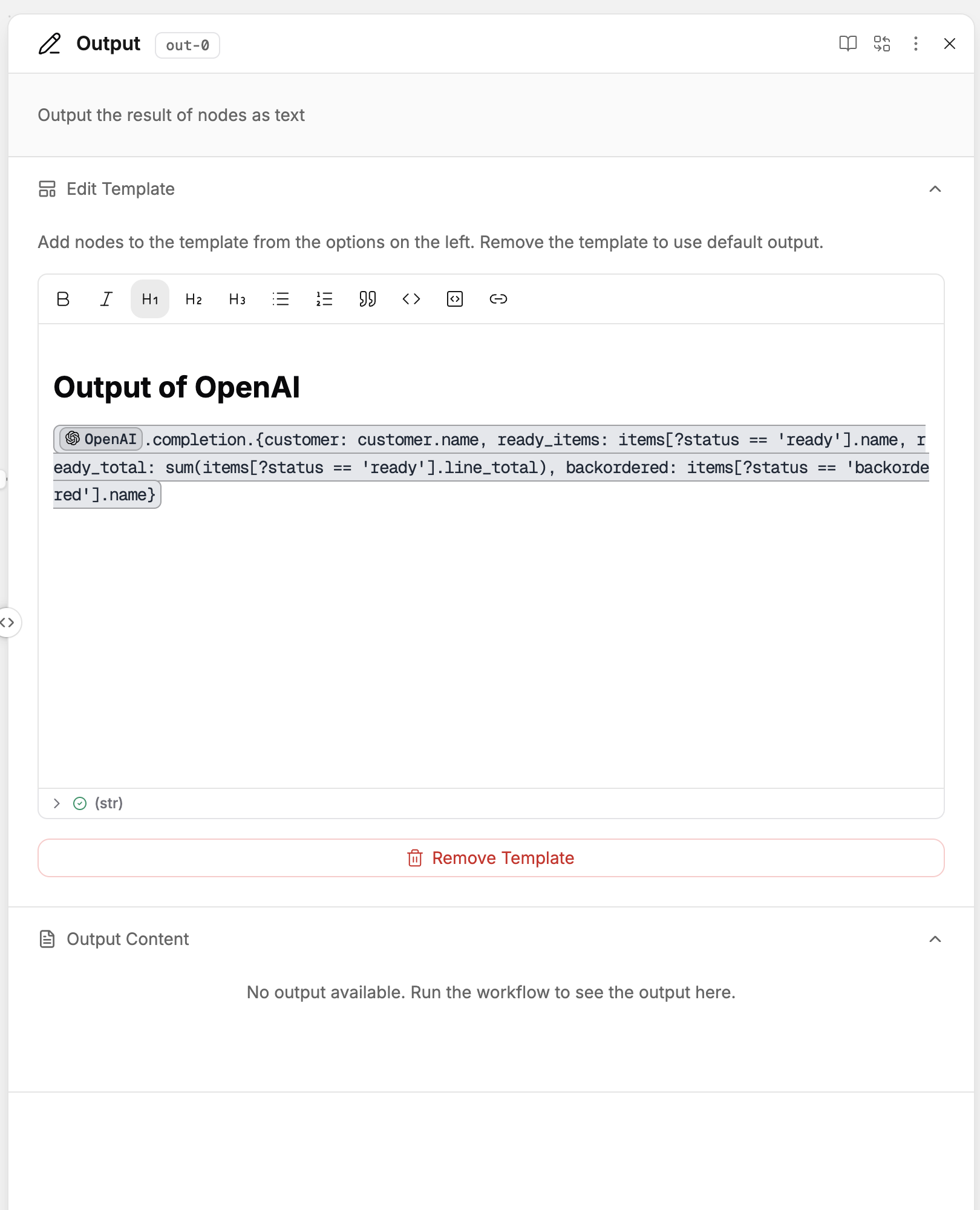
A live reference uses the latest result rather than a copied value.
Select or transform values
Open the reference's Expression editor to select or transform fields.
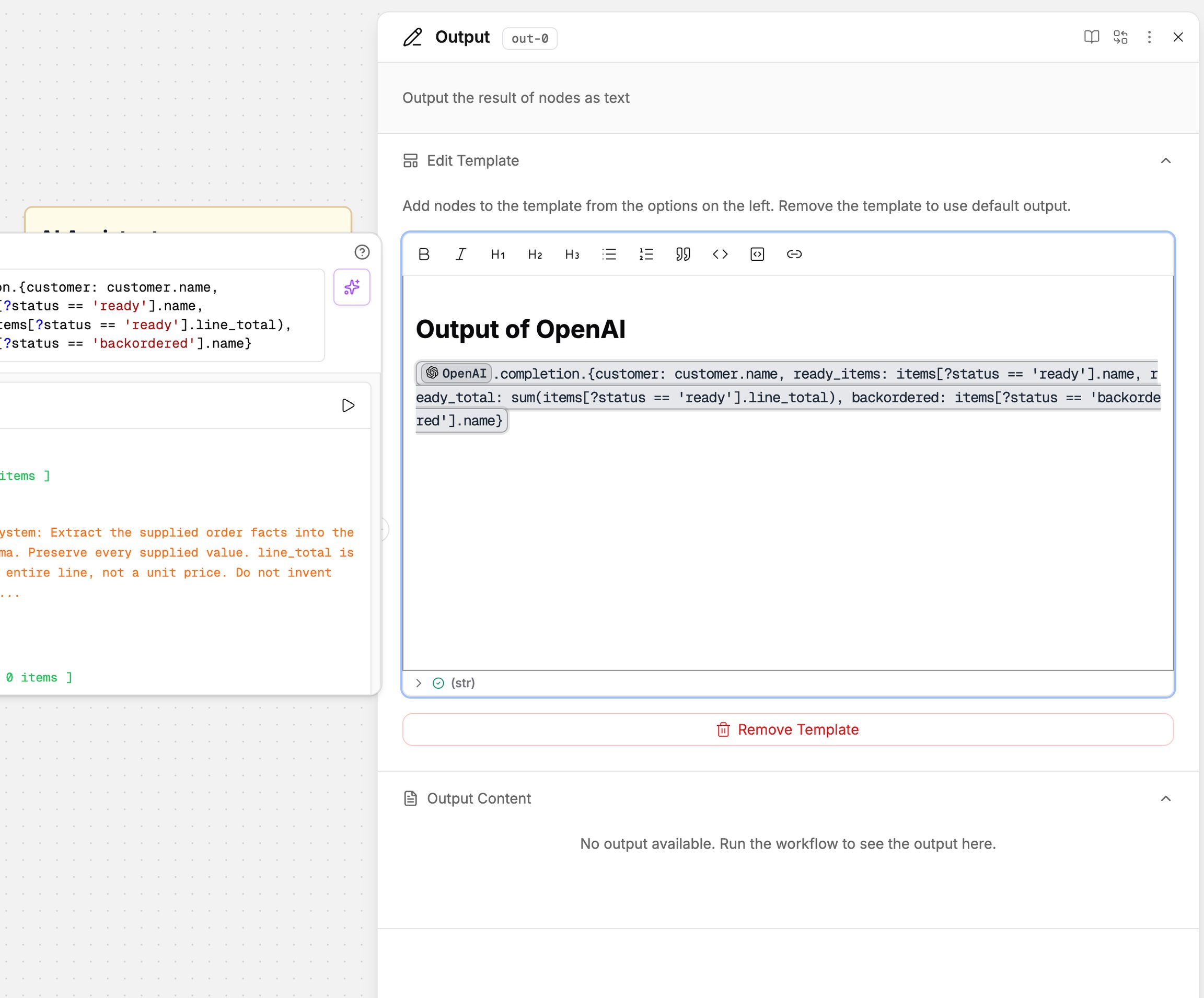
Use the available property suggestions to build paths, filter list items, or calculate totals from the actual result structure.
Read a simple field path
Suppose the selected source returns this object:
Expand items, the first list item, and amount in the results picker. The path after the source reference is items[0].amount, and the value is 12. List positions start at 0. Selecting the second item gives items[1].amount, whose value is 8. Keep the source identifier inserted by the picker; the path prefix depends on the node and its returned fields.
In the JMESPath expression editor, sum adds a list of numbers. For this data, applying sum to the selected items[].amount path gives 20. Build the full path from your actual source reference rather than typing a node name as plain text. Check the preview or a new run before using a calculated value downstream.
If your source returns text containing JSON instead of fields you can expand, configure a structured output before mapping its properties.
Check the mapped result
Run the workflow again and compare the selected fields with the source result.
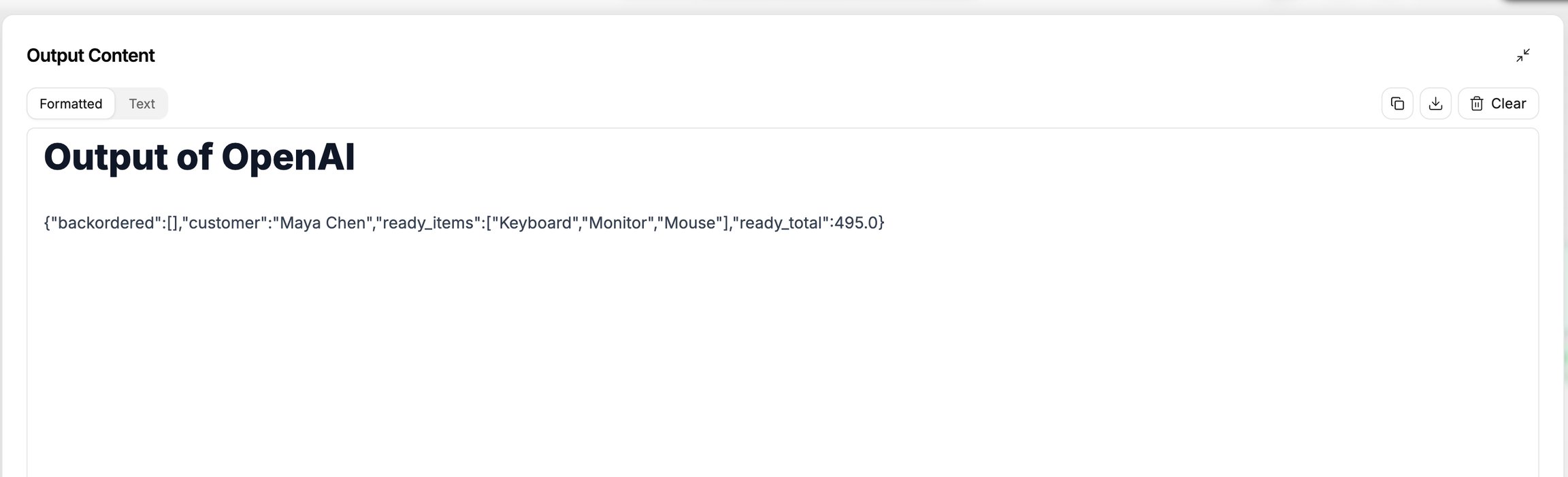
Check both the individual values and any calculated total.
Important behavior
Choose a reference that matches the value you need. Text, numbers, lists, files, and objects are different data types.
If a reference fails, compare its field path with the source node’s output.
Last updated
Was this helpful?