

Global search and quick navigation
Global Search opens projects, knowledge bases, folders, and settings from one search dialog. Use it when you know what you need but do not want to browse through the sidebar.
Search the workspace
Select Global Search in the sidebar, or use the keyboard shortcut shown in the interface. Enter part of a resource name.
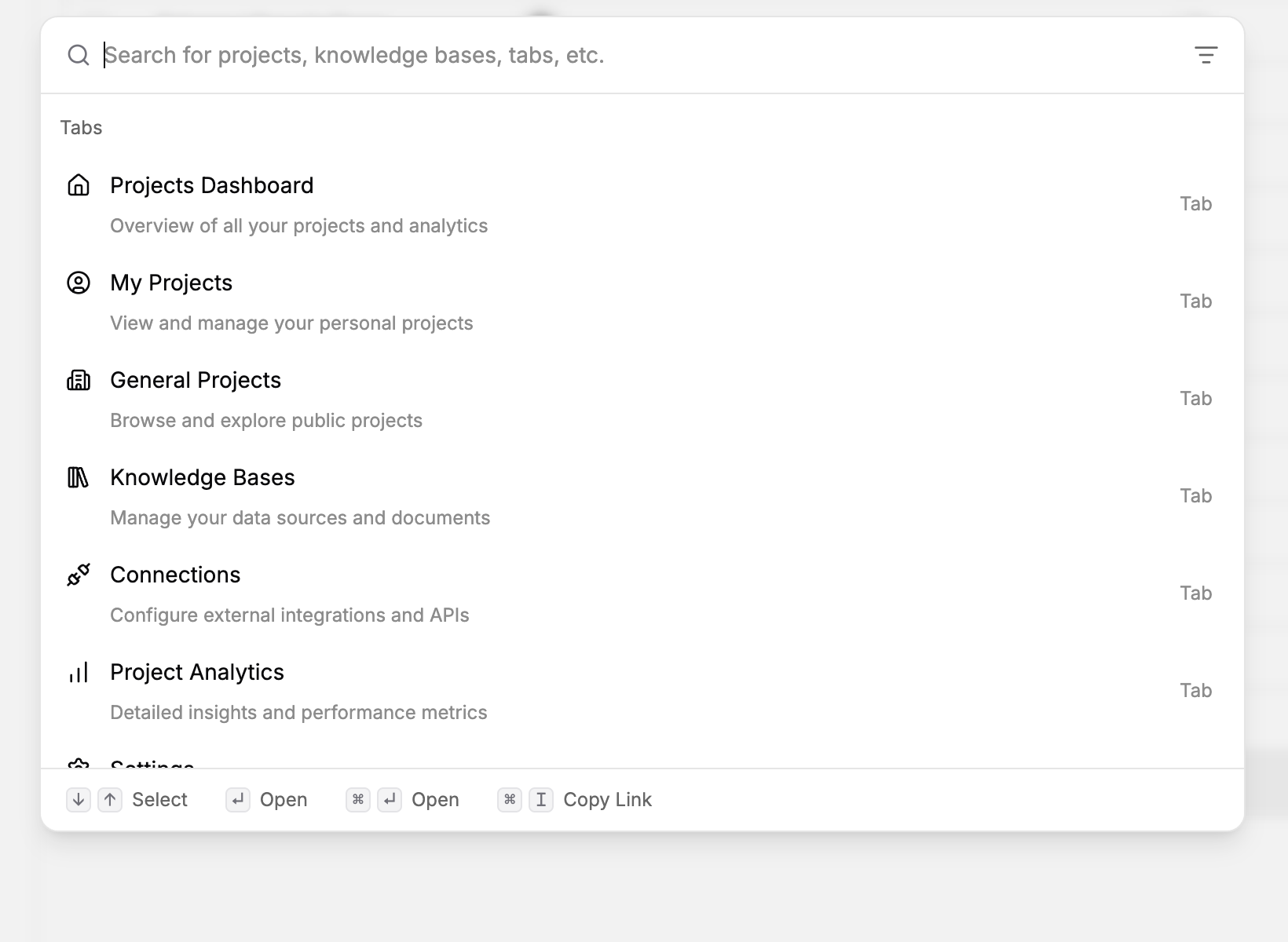
Choose a result
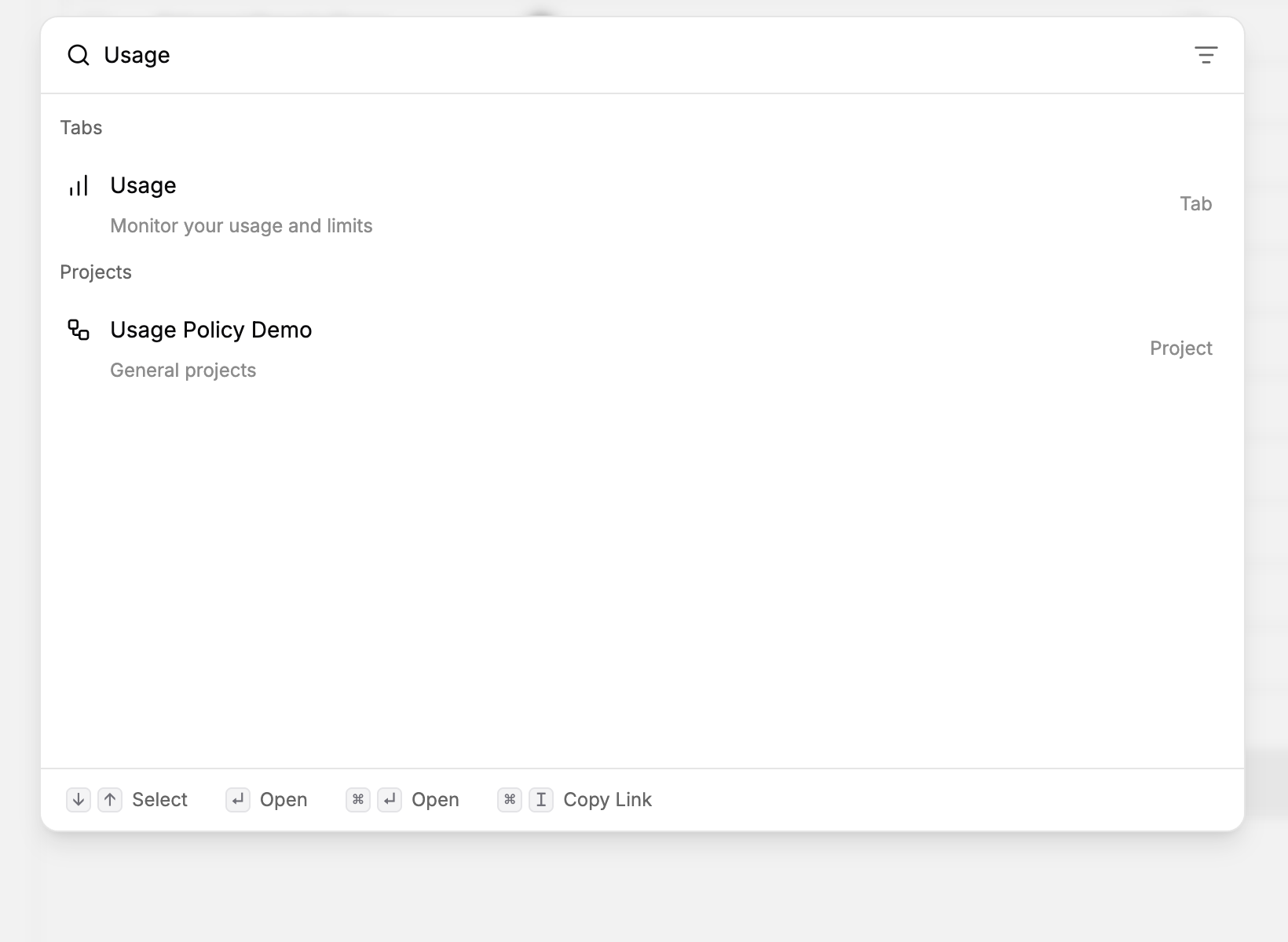
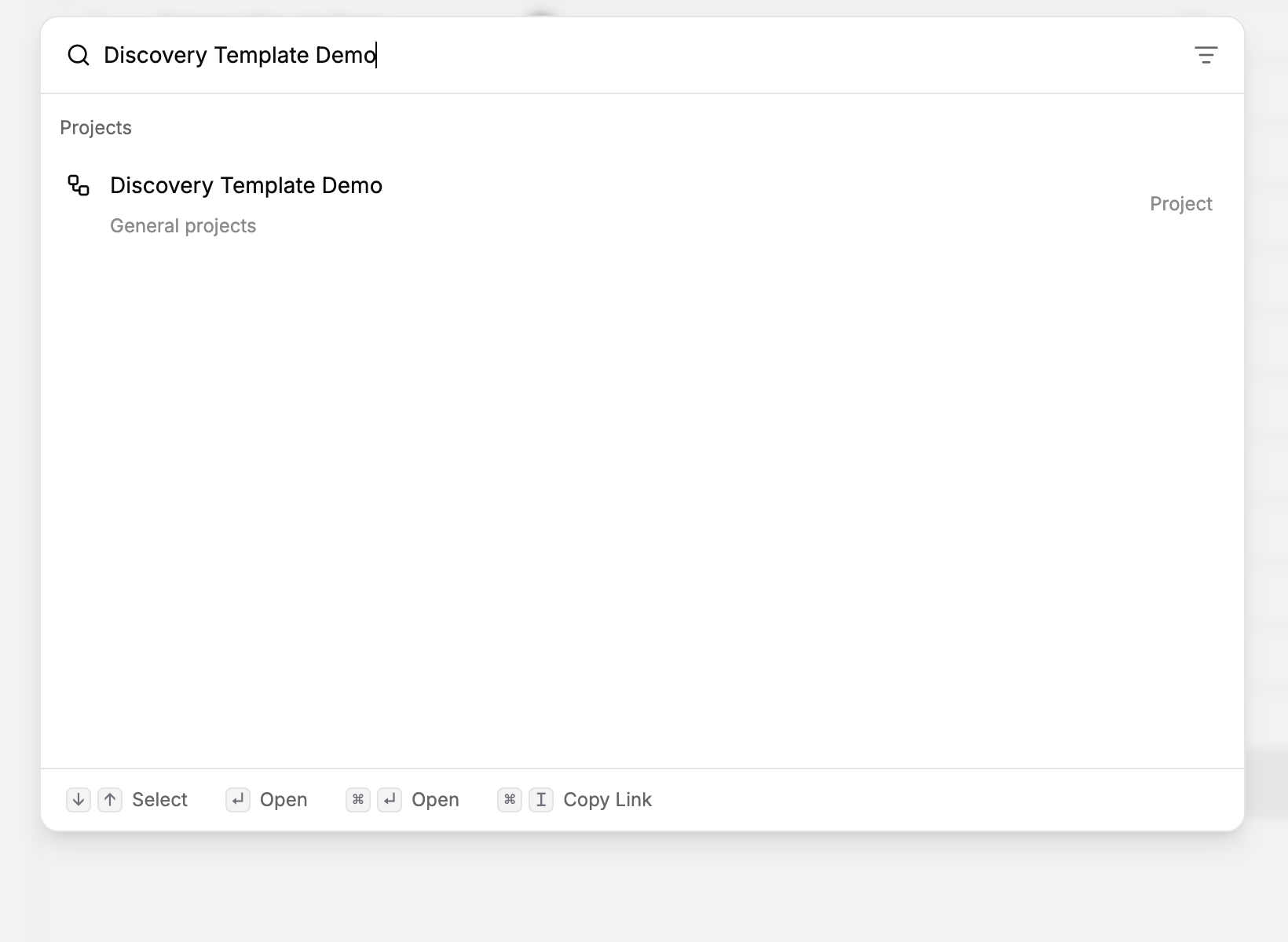
Results are grouped by type. Select a project to open its builder.
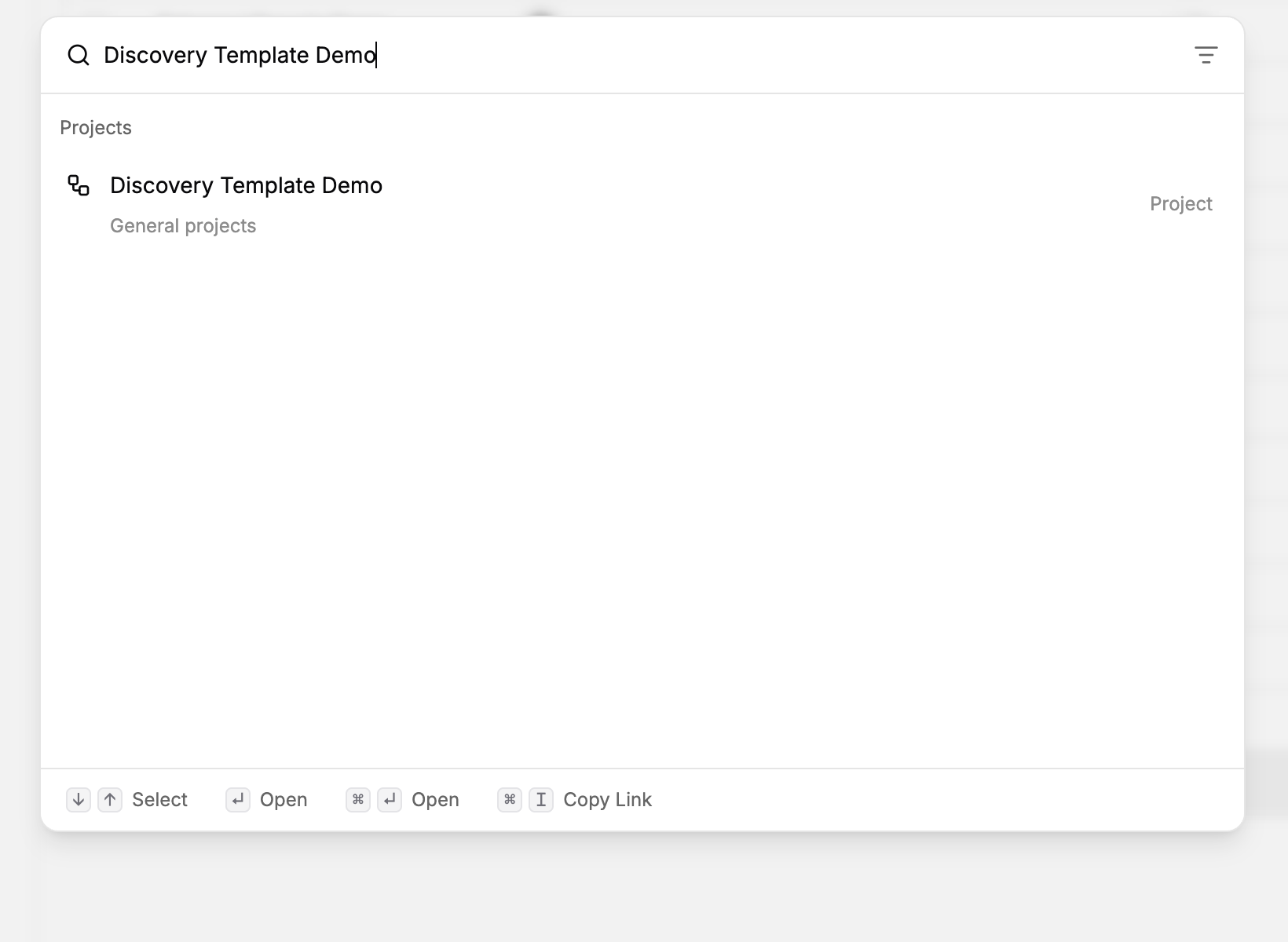
Select a knowledge base to open its documents.
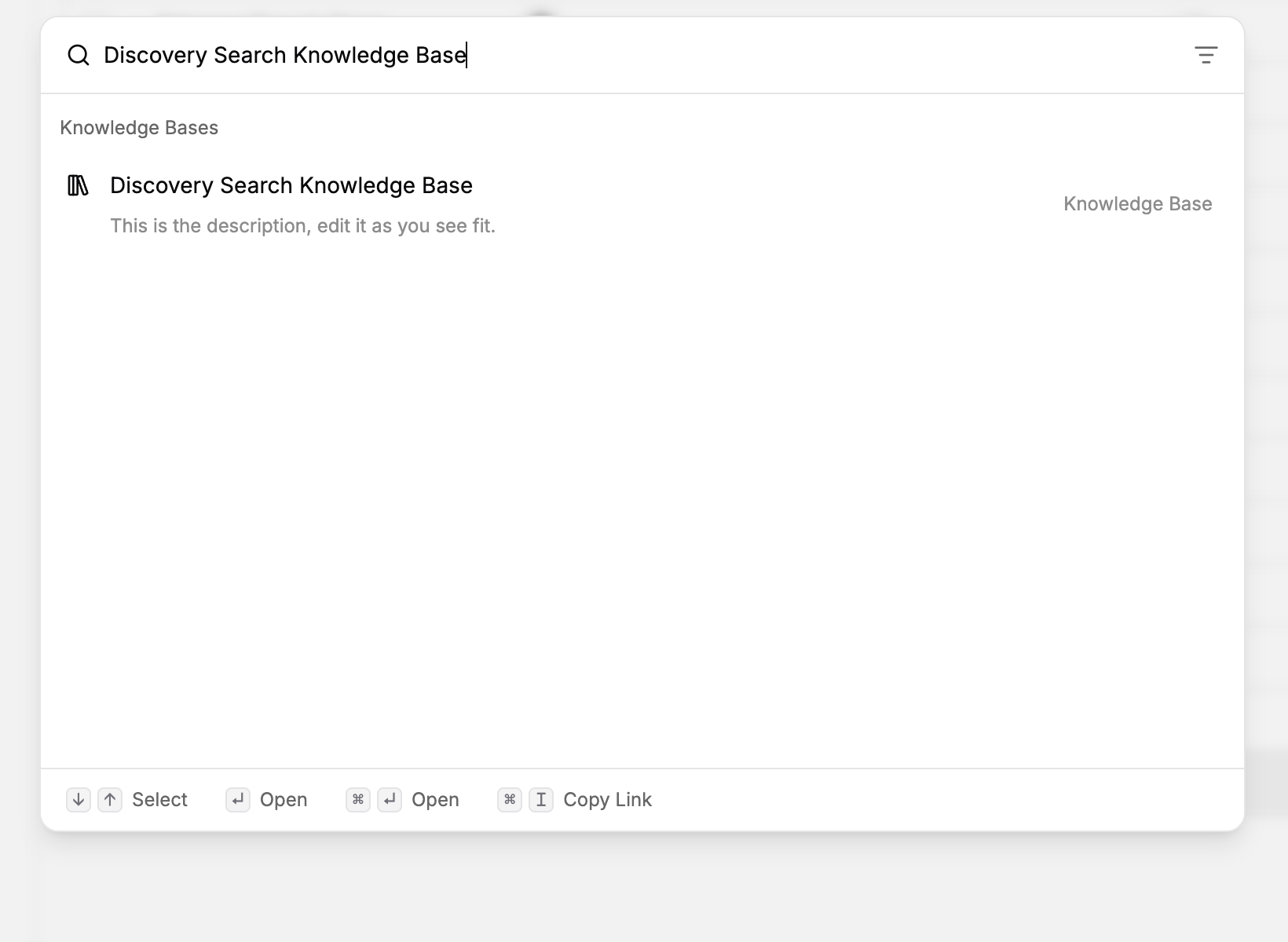
Select a folder to view its projects.
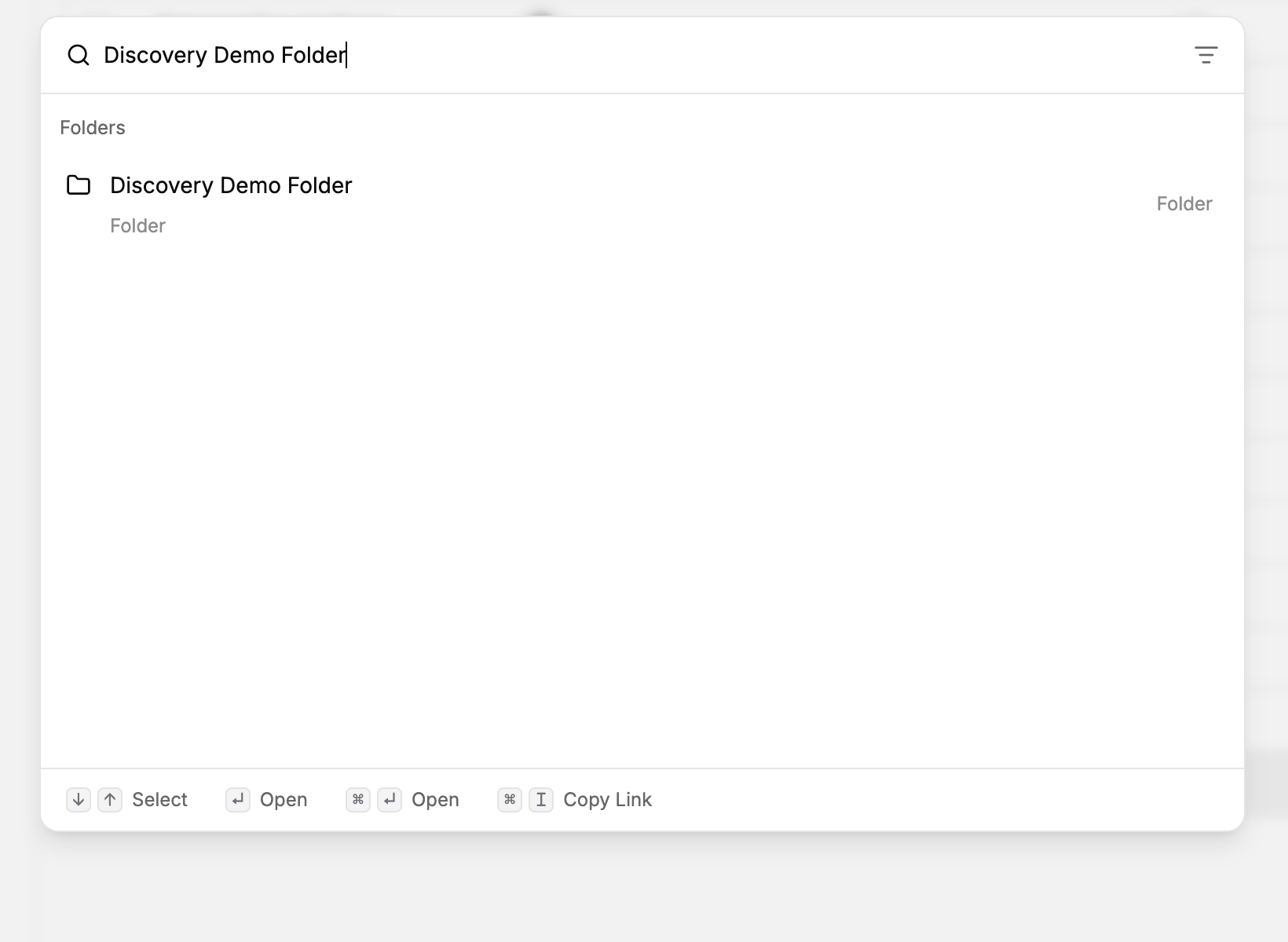
Select a navigation result to open the corresponding settings page.
Use keyboard navigation
Use the arrow keys to select a result and Enter to open it. The dialog shows other available shortcuts, such as opening a result in a new tab.
Important behavior
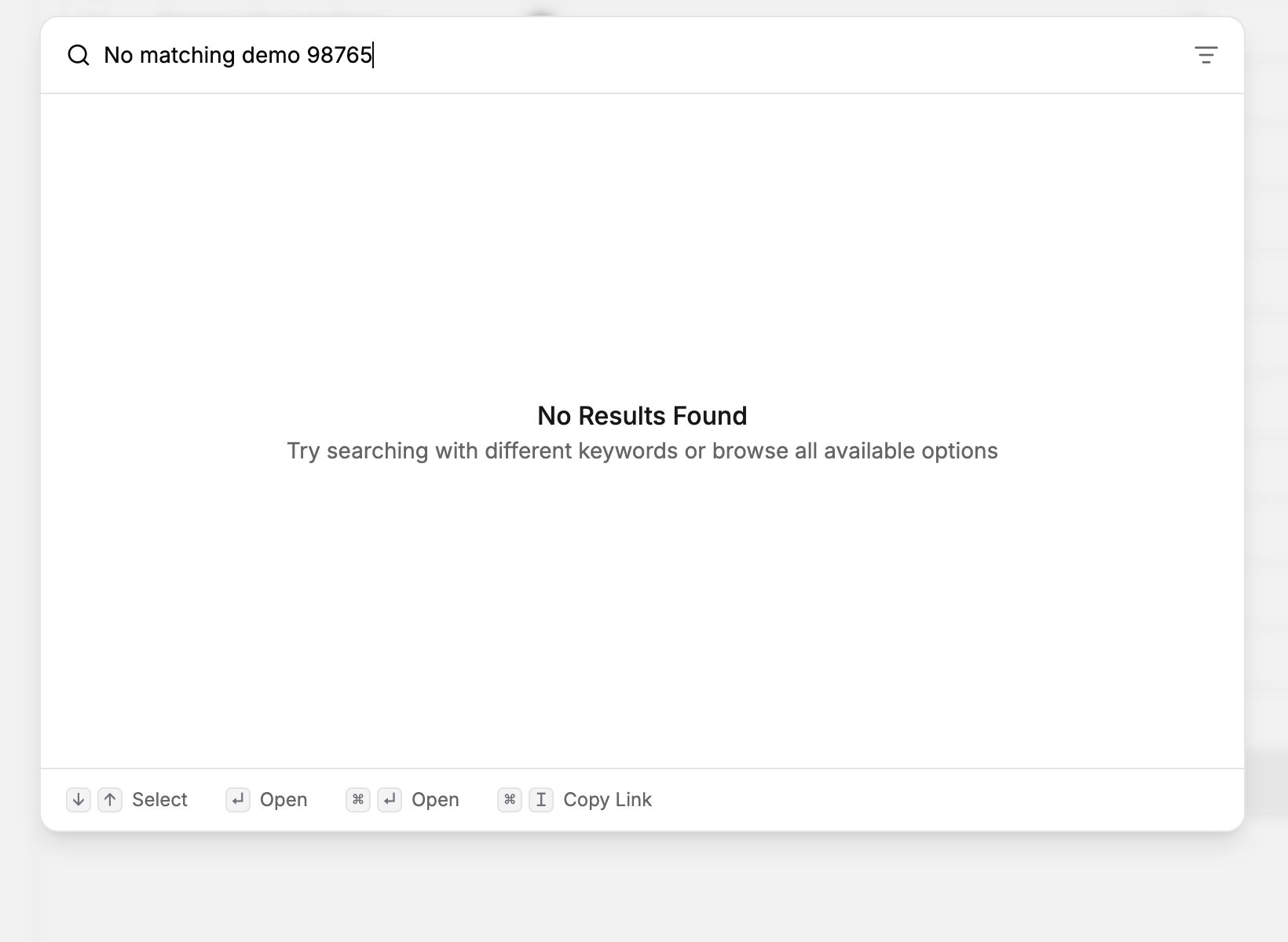
If no results appear, shorten the query or check its spelling. Also check the selected organization and your access to the resource.
If a resource is still missing
Use Organizations and workspace switching to check the selected organization, then Project sharing and permissions to check project access. Search cannot grant access to a resource.
Last updated
Was this helpful?