

Invitations and joining an organization
Join a StackAI organization to work with its projects and resources. An organization administrator sends an invitation to the email address you will use to sign in.
Before you start
You need an invitation sent to your account email address.
Before you accept
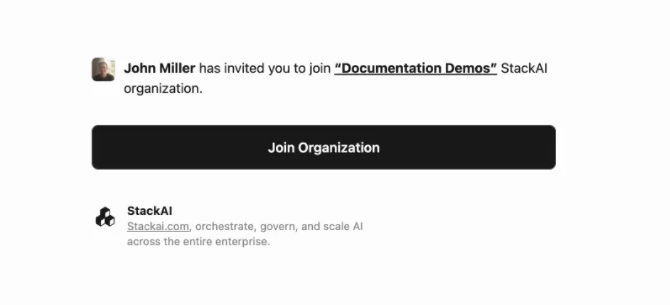
Open the invitation email and check the organization name.
Accept the invitation
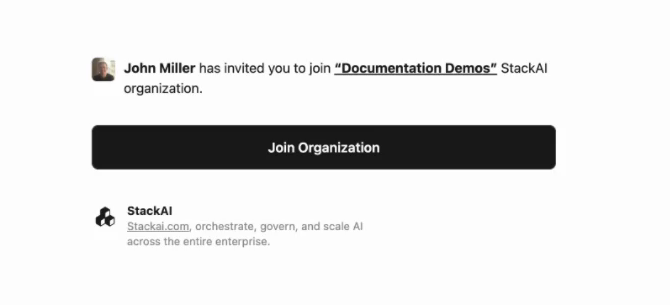
Select Join Organization. Sign in with the email address that received the invitation.
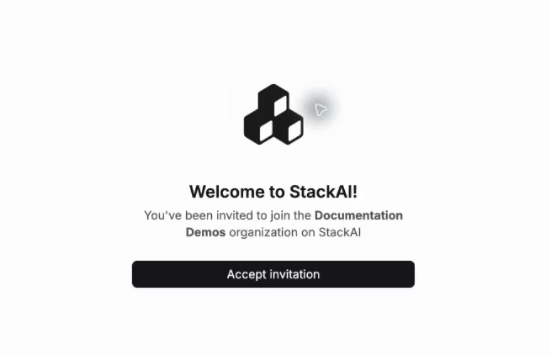
On the invitation page, select Accept invitation. Complete account setup if prompted.
Open the organization
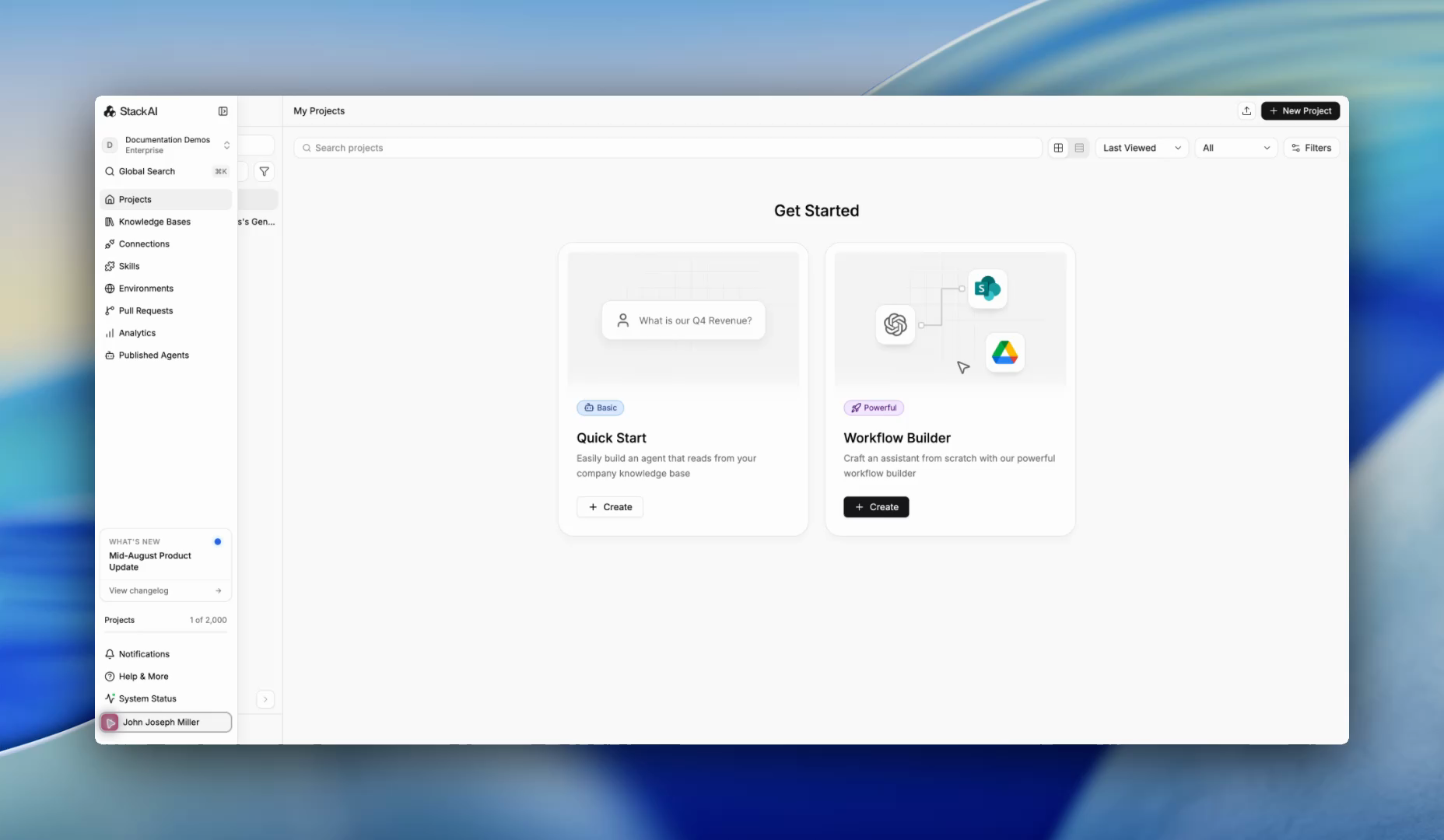
The dashboard opens after you accept. Check the organization name in the sidebar.
Important behavior
Your role and resource permissions determine which projects you can open. If the project list is empty, check the selected folder or ask an administrator for access.
If the invitation has expired, ask the administrator to send a new one.
Start working
Use Find and organize projects to open shared work. If you have permission to create projects, Build your first AI agent is a starting point for a new assistant.
Last updated
Was this helpful?