

Environment Variables and Secrets
Environment variables and secrets supply configuration without copying it into each workflow step. Separate values for each environment when services or credentials differ.
Before you begin
Permission to manage the project’s environment settings.
Key concepts
Environment
A named configuration context for variables, secrets, and deployment use. Different environments can reach different services or use different credentials.
Connection
A saved authorization to a particular provider account. An action uses the selected account’s access, subject to StackAI sharing controls.
Configuration options
Environment variable
A named configuration value selected for the run’s environment.
Keep the variable key stable and review values for each destination environment.
Secret
Sensitive configuration such as a credential.
Use supported secret fields and avoid exposing values in prompts, logs, or screenshots.
Configure environment variables
Define the required variables and secret values in the intended environment.
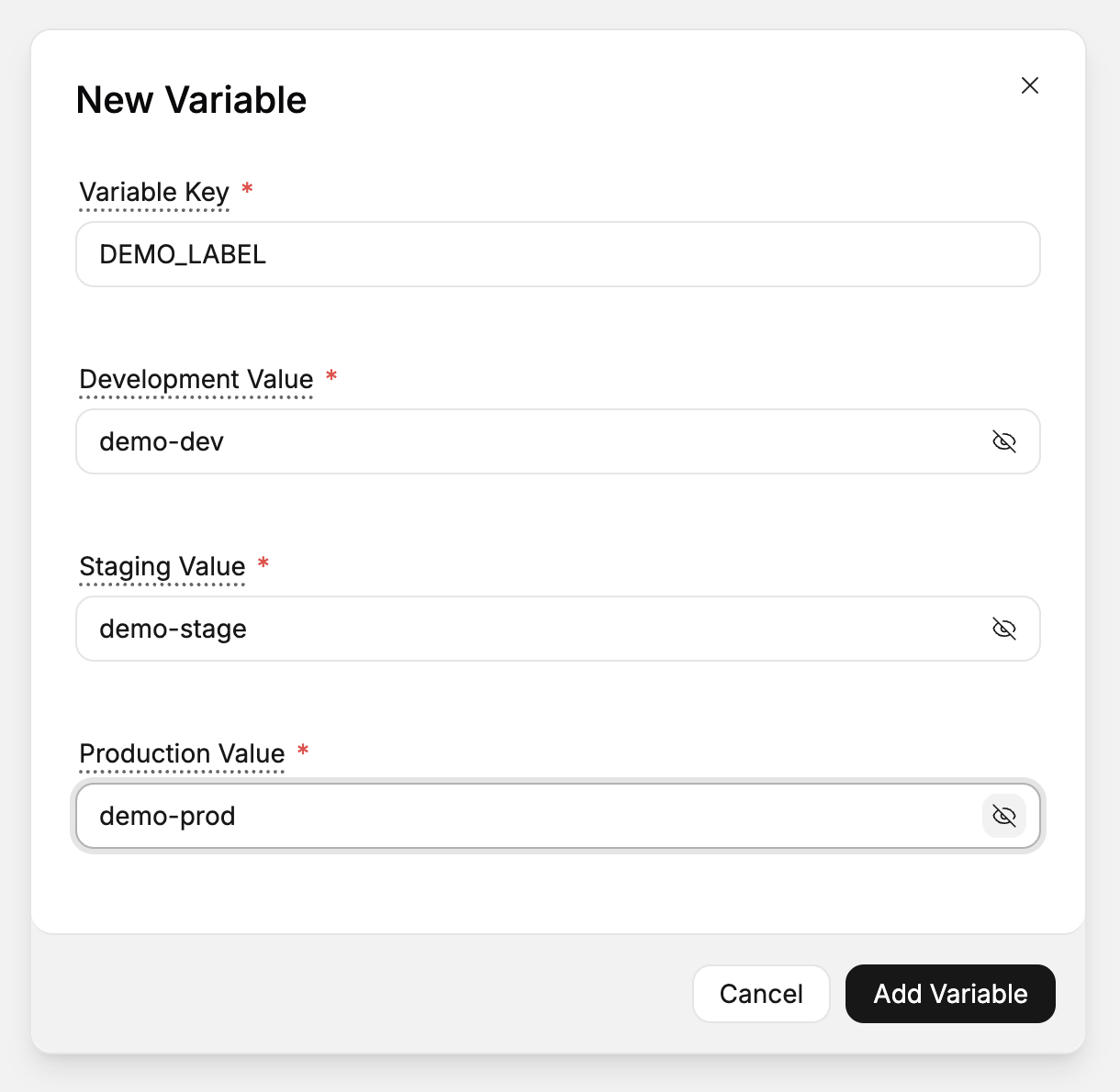
Define the variable key and the values required for each environment stage.
Reference them through the supported configuration fields.
Run the selected version in that environment and confirm the destination and behavior.
The workflow uses the values assigned to the selected environment.
Behavior and limitations
Changing a variable can affect multiple steps that reference it. A variable name is not its value. Keep secrets out of prompts and visible output. Check environment selection when a workflow reaches the wrong service or cannot find a required configuration value.
Related resources
Was this helpful?